Client billing & invoicing
Turn tracked hours into client invoices
Save hours on invoicing day. Turn your tracked time into invoices with the right rates, then send them to your accounting software without retyping.
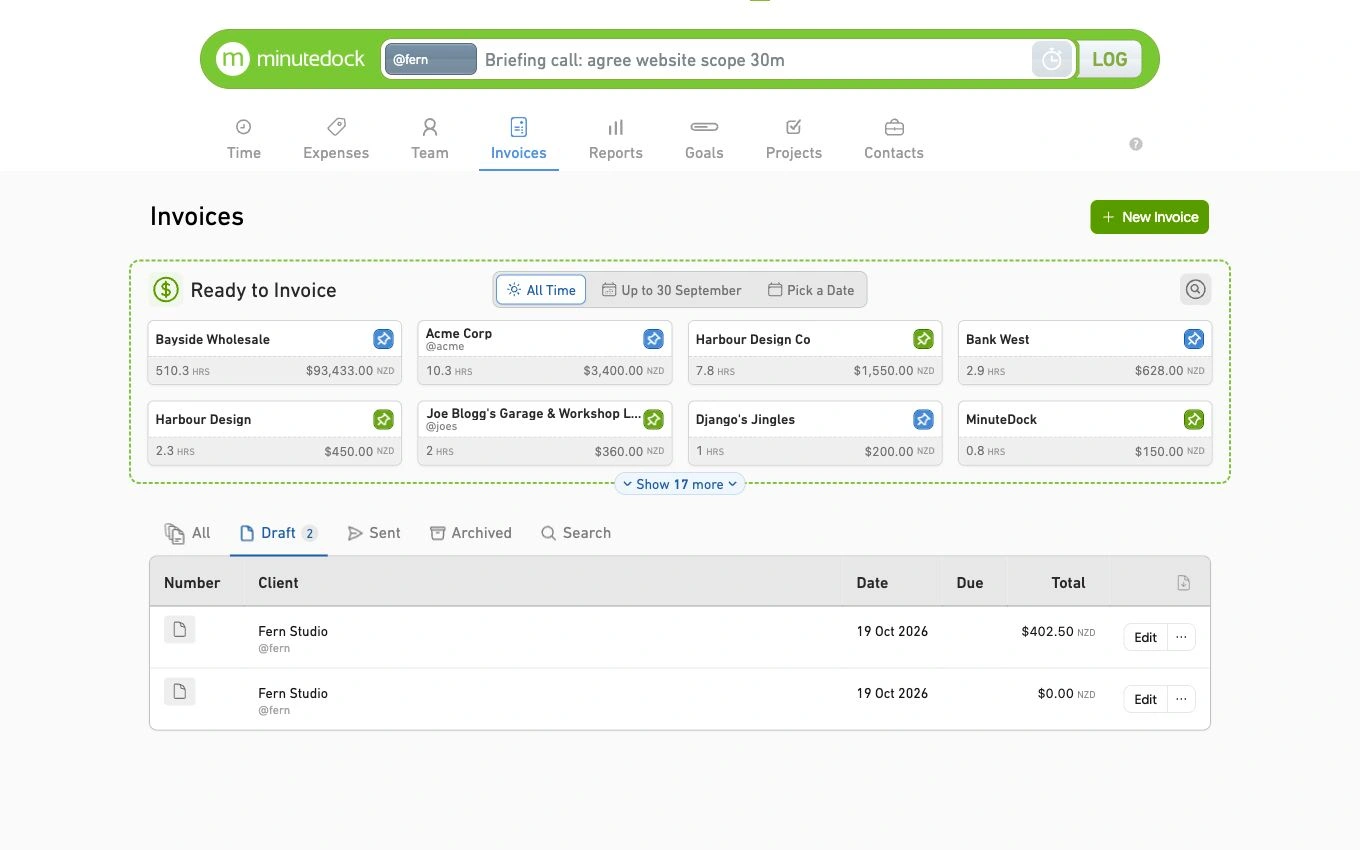
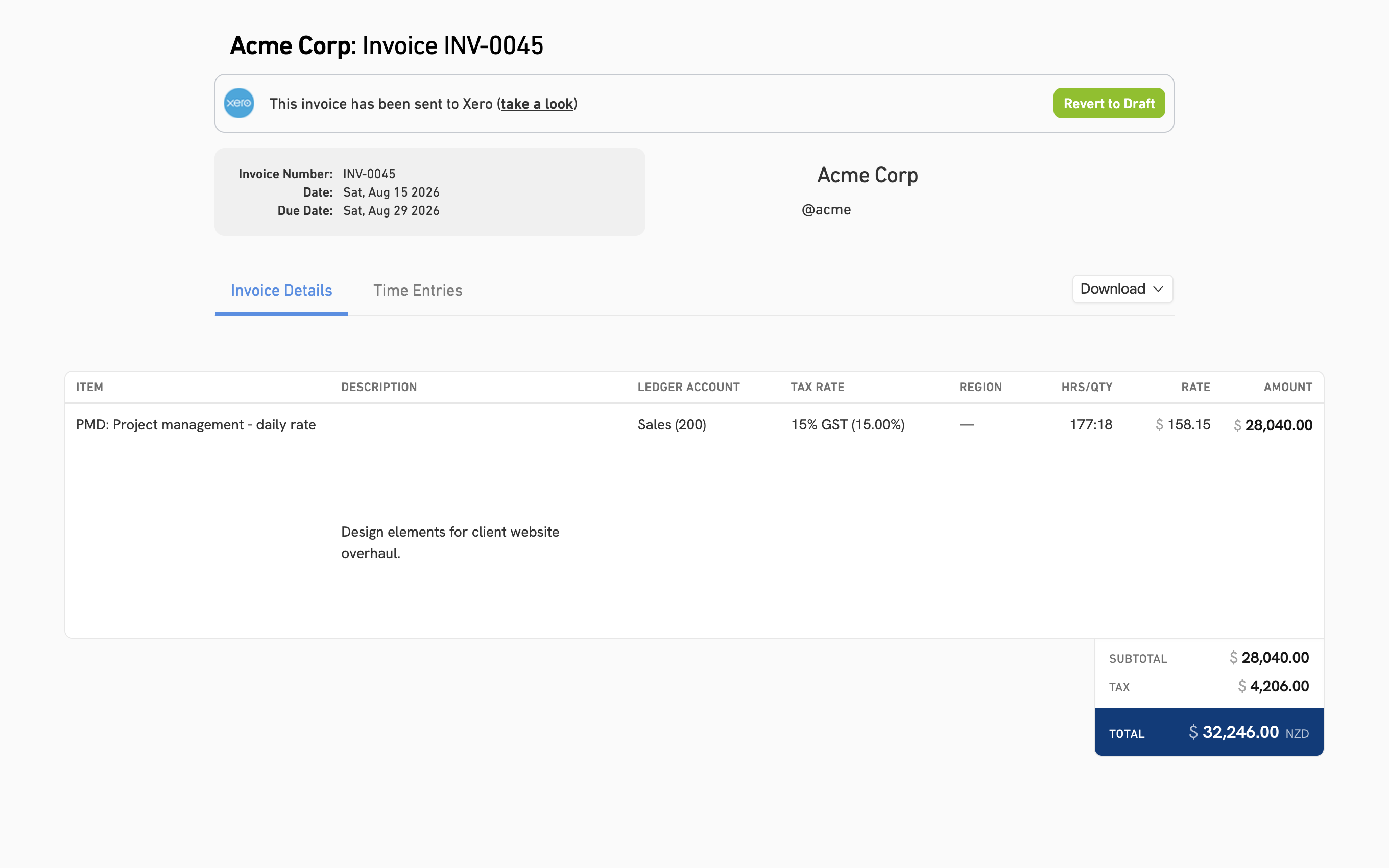
See what’s ready to invoice
See each client’s unbilled hours in one place, so tracked work doesn’t get overlooked on invoicing day.
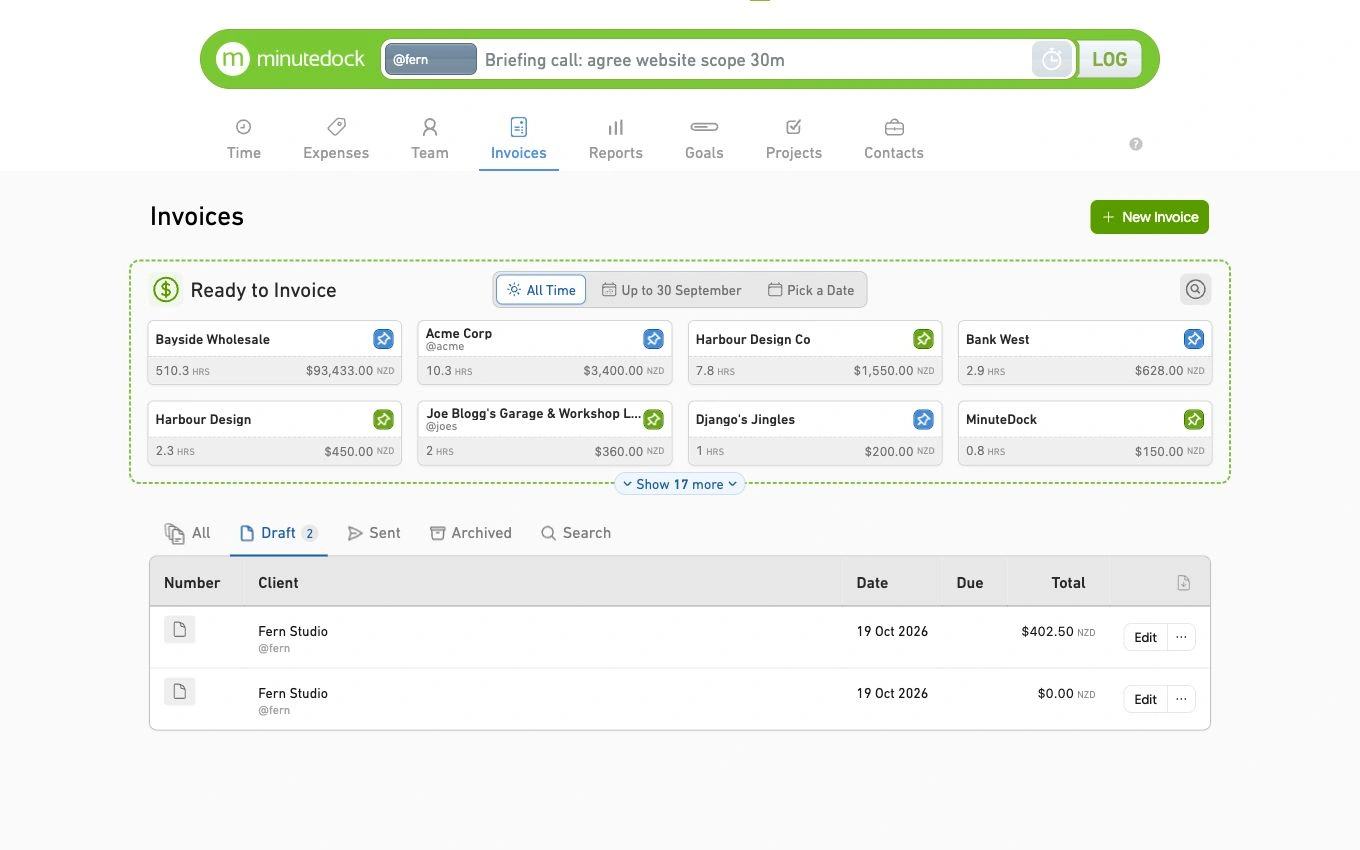
Invoices your clients can understand
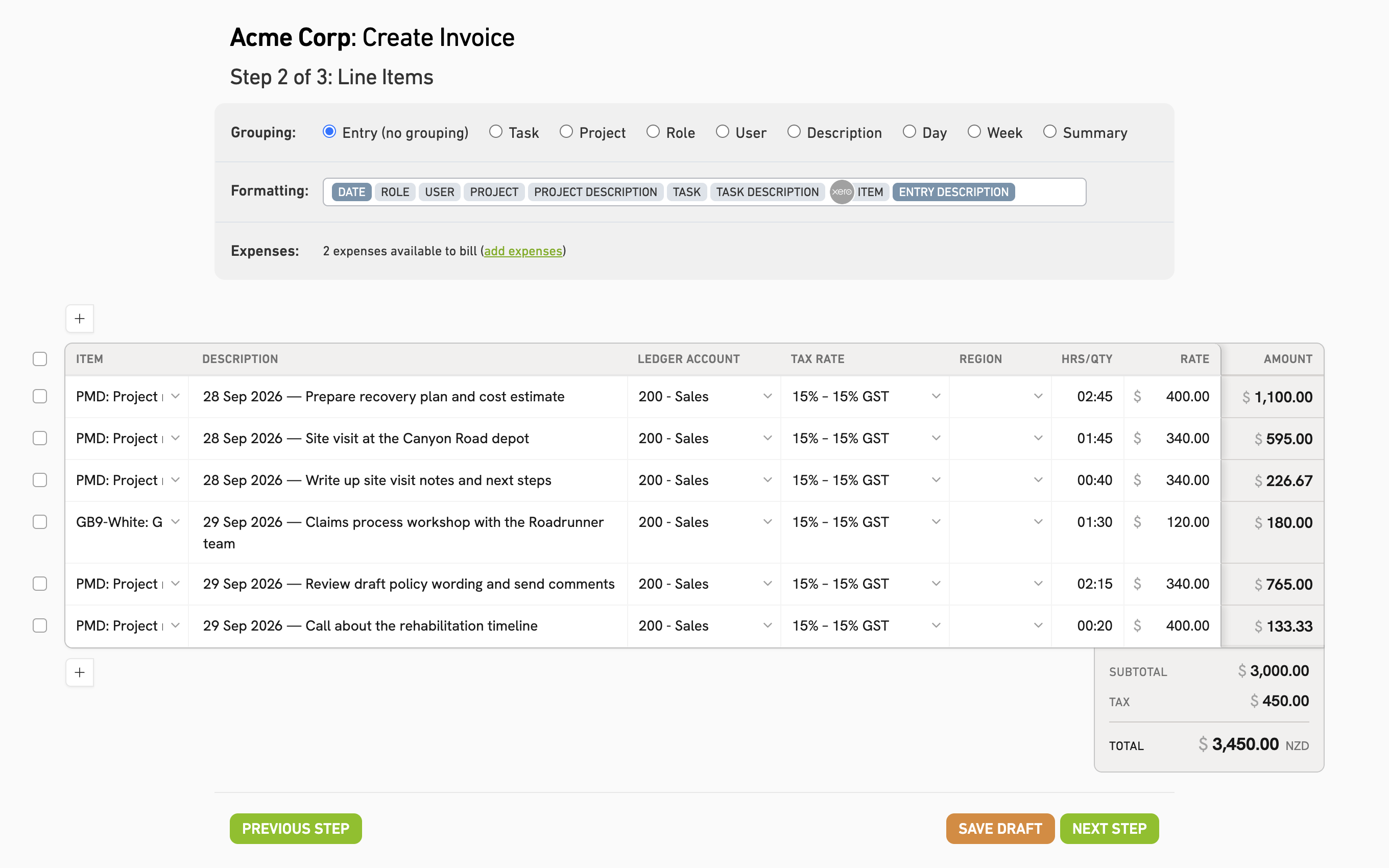
Show clients what they’re paying for with dates and work descriptions. MinuteDock remembers the layout each client needs.
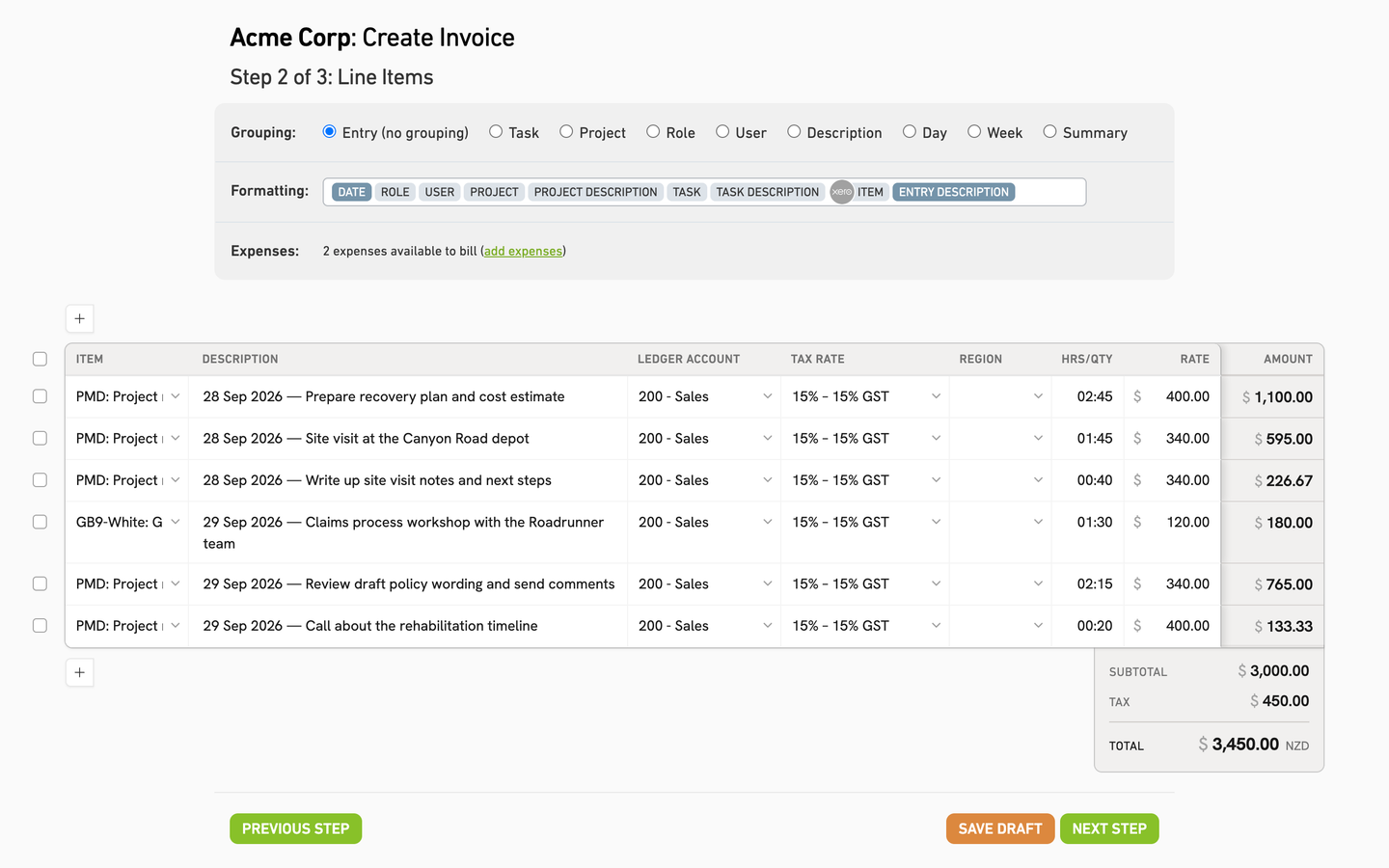
Invoice without double entry
Send invoices to your connected accounting software. In Xero, approve the draft and send it using your existing branding.
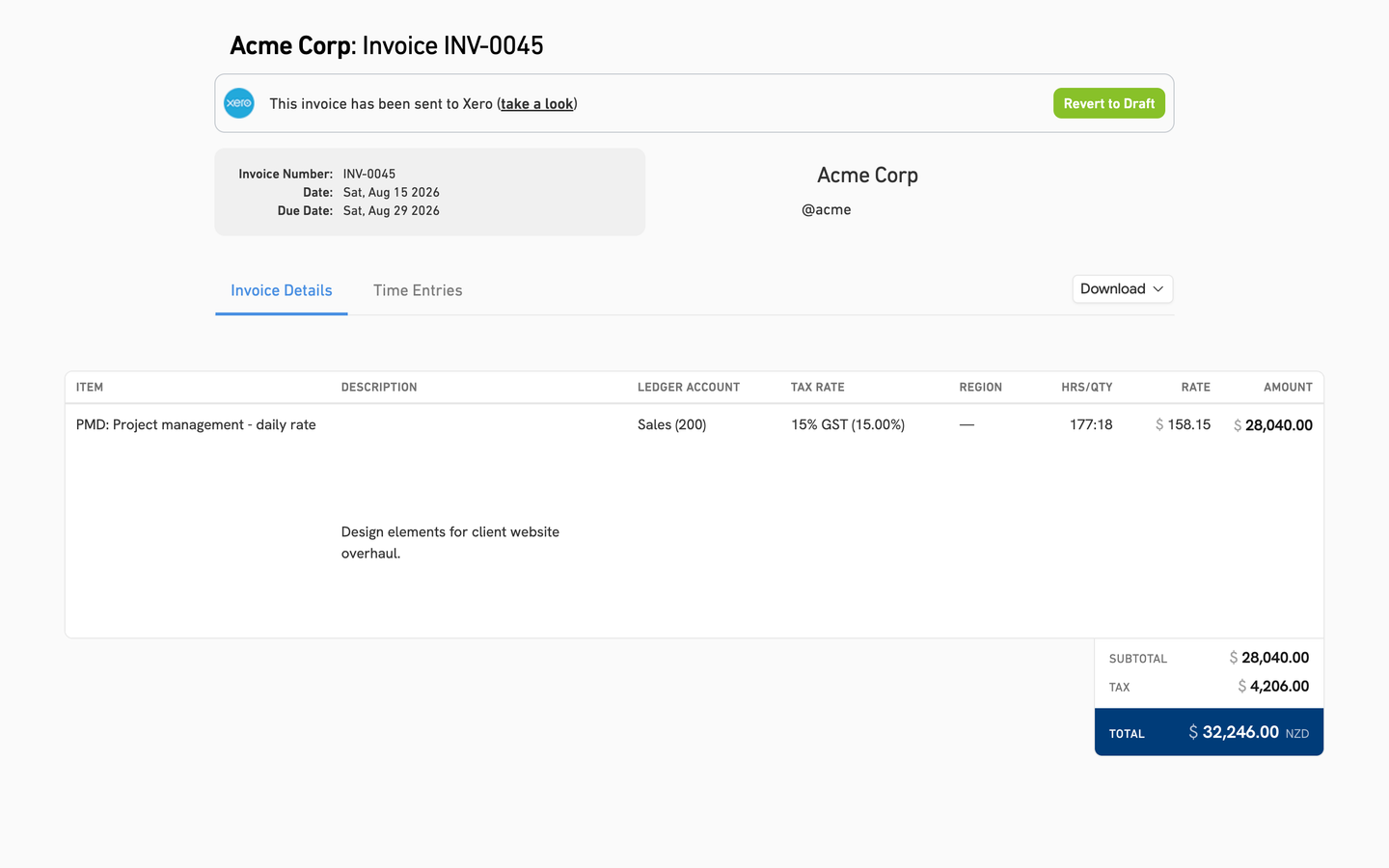
Send invoices to your accounting software
Keep billing in the accounting software you already use.
No accounting connection? Email invoices directly from MinuteDock.
Invoice in a couple of clicks
MinuteDock remembers your billing period and invoice layout for next time.
Bill on your schedule
Bill weekly, monthly or when the work is ready. Choose a date range or individual entries.
As much invoice detail as each client needs
Bill by individual entry, group work by task, project or person, or roll it all into one summary.
The right rate for every client
Set hourly rates by client, project, task or team member. Each person can charge a different rate for the same client.
You decide what to charge
Edit amounts, add fixed charges or write off time before sending.
Bill in your client’s currency
Choose a currency for each client or individual invoice.
 Tammy ShugartOwner, SheetCake
“The way it all works together makes it super easy to format an invoice — with all the detail I may or may not want. Then I can send it to Xero, 'approve' it, and send to my client. Easy!”
Questions about client billing
- What happens to time I leave off an invoice?
It stays available to bill later. If you choose to write it off instead, it is marked as invoiced without charging the client and removed from future billing suggestions.
- Can I add fixed fees or discounts?
Yes. Add fixed charges or discounts alongside hourly work. Track time against fixed fees with project budgets.
- What does my client receive by email?
Your invoice arrives as an attachment in an email from MinuteDock. You can add a personal message and send yourself a copy.
- Can I try billing during the free trial?
Yes. Track time and create invoices during your 14-day trial. No credit card needed. See plans and pricing.
Try MinuteDock for your next client invoice
Create your next client invoice without retyping your timesheet. Free for 14 days.