


Bookkeeping Time Tracking Software

Track reconciliations, payroll, client calls, and clean-up work as you go. See which packages are earning their keep, then send tidy billing detail to your accounting system.

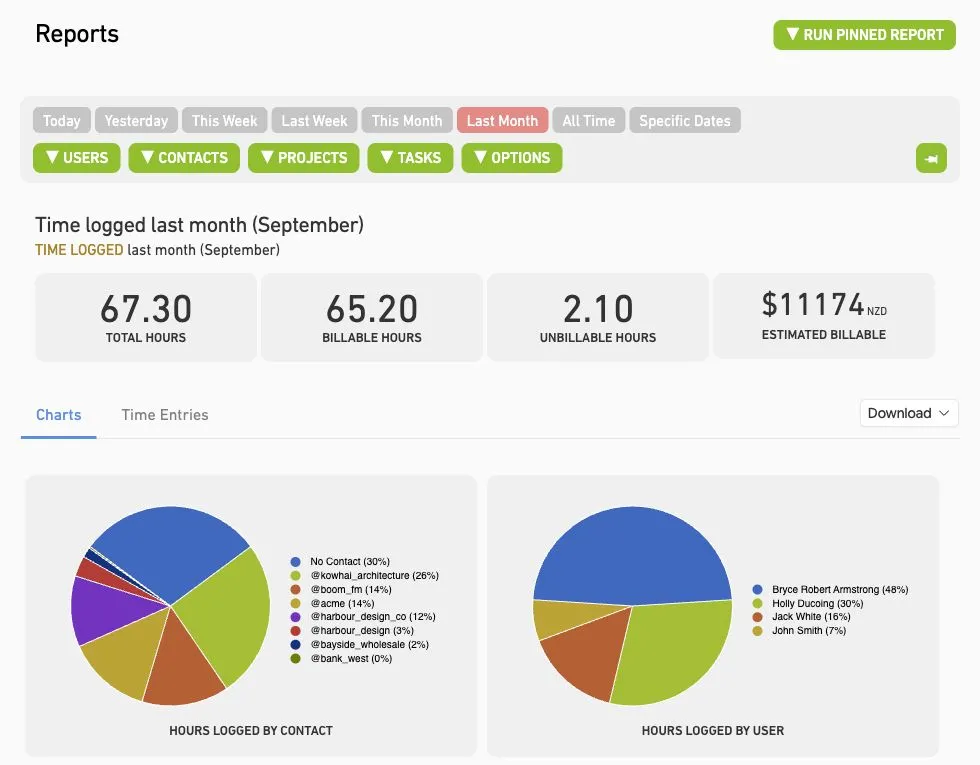
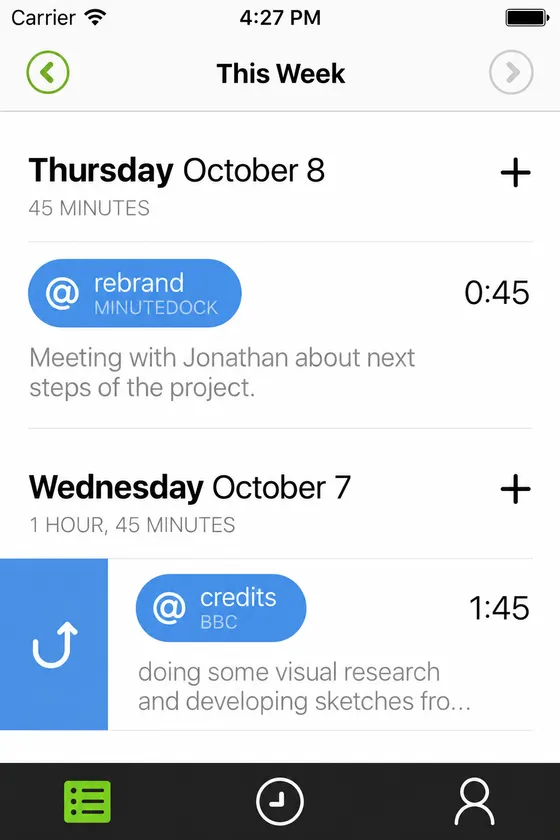
MinuteDock reporting screen showing client time, billable value, and productivity insights for bookkeepers

Works with the accounting tools your bookkeeping practice already uses

Xero logoQuickBooks logoMYOB logoWave logo

Know where the hours went before month-end rolls around.

MinuteDock keeps each client’s time, notes, budgets, and billing detail together, so you can review the month without piecing it back together from notes and memory.

Switch Clients Without Losing the Work in Between

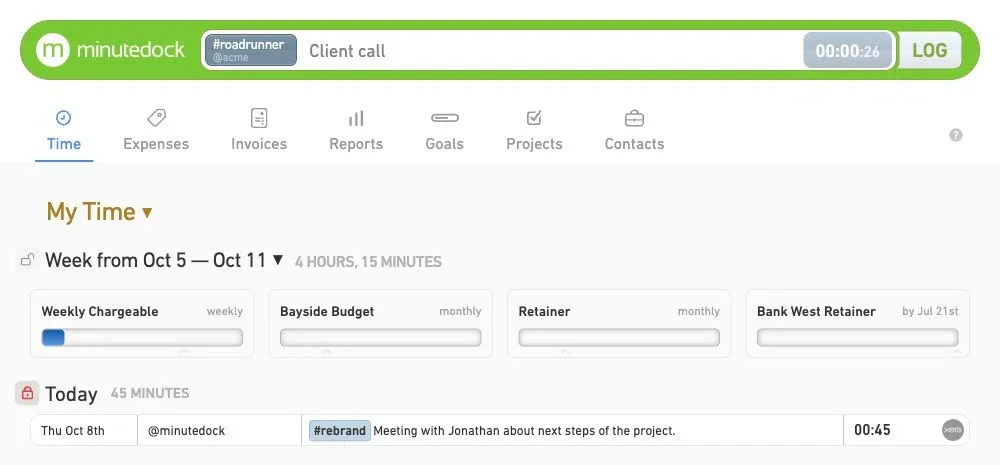
A payroll question becomes a client call, then another reconciliation needs attention. MinuteDock makes it quick to switch clients and keep a useful note with every entry, without losing track of the work in between.

Notes that make sense later
Keep the detail you need for review and billing with each entry.
Quick client switching
Move between clients, jobs, and tasks without rebuilding the day later.
Work organised your way
Group entries by client, package, task, and billable status.
Bookkeeping time entries tracked by client, job, and task
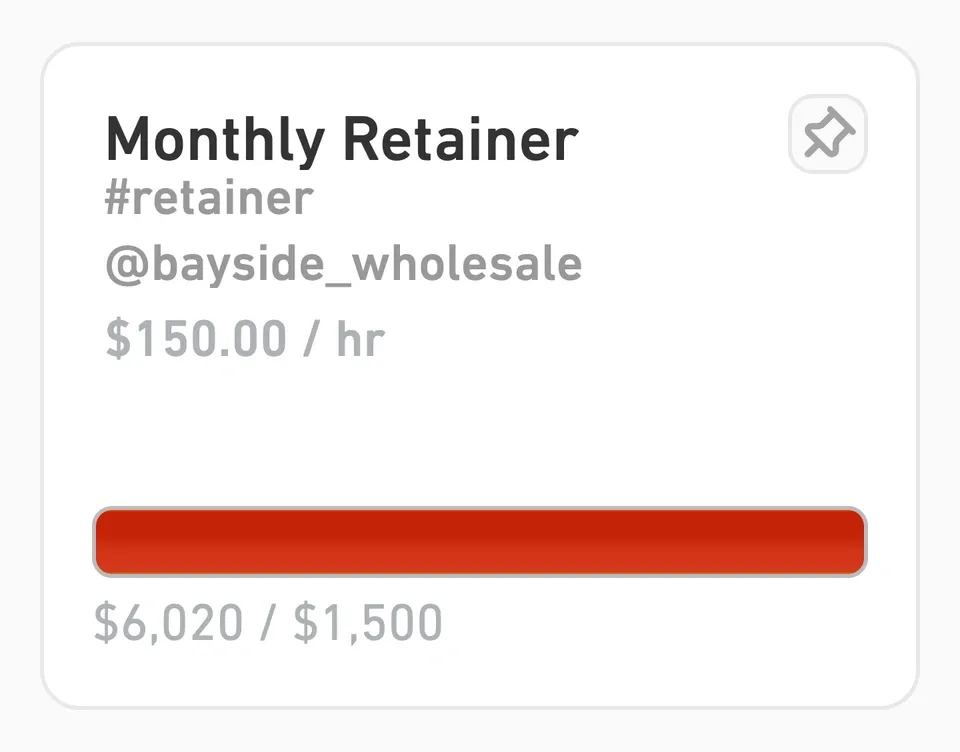
Bookkeeping package profitability and client budget reporting

Catch an Unprofitable Package Before Month-End

A fixed monthly fee only works when the work still fits the package you priced. Set a budget for each recurring service, then compare it with the time going into reconciliations, payroll, reporting, and support while there is still time to do something about it.

If one client's clean-up work or follow-up questions keep eating through the budget, you'll see the pattern before month-end. Tighten the scope, change how the work is handled, or revisit the fee.

Our guide to why bookkeeping practices track time explains how the same records support accurate billing, capacity planning, and package profitability.

Client budgets
Set time or value budgets for monthly packages, retainers, and one-off clean-up jobs.
How the package is tracking
Compare delivered time with the package allowance before the next client review.
Catch scope creep
Spot recurring clients taking more time than the agreed service now covers.
See where margin is slipping
Filter by client, service, team member, or date to find where package margin is slipping.

Get the Month's Billing Ready Without Re-Keying It

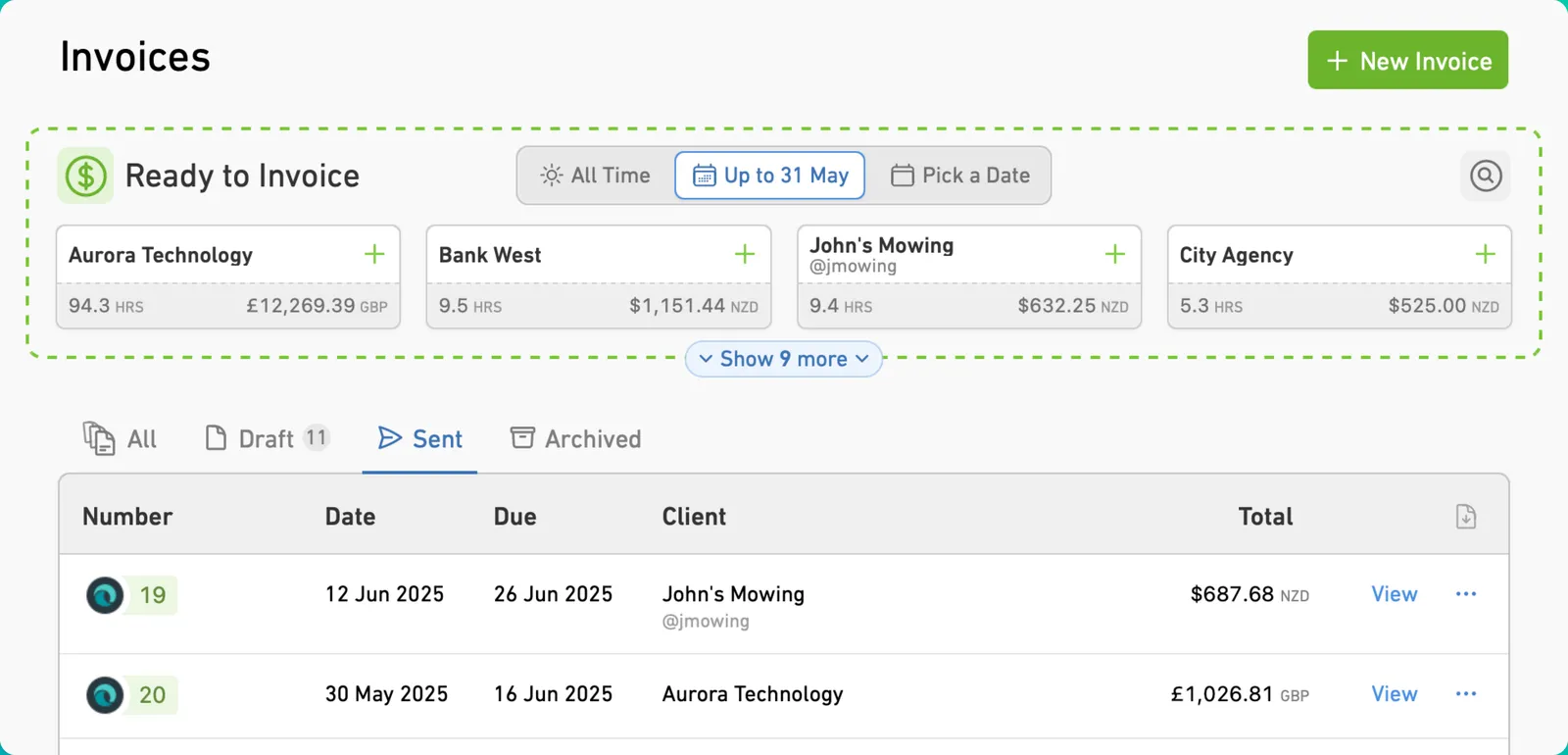
Review each client's time, tidy the descriptions, and choose how much detail belongs on the invoice. Hourly jobs can roll up at the right rates. Fixed-fee packages keep their agreed invoice value, while you keep the time data for the next profitability review.

When everything looks right, send the billing detail to the accounting system you already use. Contacts, tracking categories, tax settings, and ledger codes stay aligned, and nobody has to type the month in twice.

The right level of invoice detail
Group detailed bookkeeping work into the level of invoice detail each client expects.
Hourly or fixed fee
Apply rates where needed and keep package time available for your own review.
Set up before you send
Map Contacts, tracking categories, tax settings, and ledger codes before billing.
No double entry
Send approved billing detail to Xero, QuickBooks, MYOB, Wave, or FreshBooks without re-keying it.
Bookkeeping timesheets reviewed and prepared for billing
Small bookkeeping team using time tracking software

Time Tracking That Keeps Up With a Bookkeeping Day

One minute it's payroll, the next it's a client call or a clean-up job. MinuteDock keeps time capture quick for the people doing the work, while practice owners can still see workload, billing, and capacity.

Everyone in one place
Invite staff into one shared workspace.
The right access
Manage permissions without adding another admin job.
Wherever the work happens
Capture time at the office, at home, or with clients.
Less to piece together
Keep notes, budgets, reports, and billing connected.

Ready to give MinuteDock a try?

Get a 14-day free trial. Pricing starts from $19 per month.

Connect to your accounting software to streamline your workflow

Wave logo

Wave

Track time and invoice clients with Wave. Sync timesheets to Wave and create beautiful invoices, accept online payments, and make accounting easy!

OFFICIAL WAVE PARTNER
Xero logo

Xero

The smart choice for professional services using Xero. Your hours land perfectly formatted, ready to invoice with your Xero branding and settings.

5-STAR RATED OVER 15+ YEARS
QuickBooks logo

QuickBooks

Track time, sync to QuickBooks, invoice clients – done. Works seamlessly with your QuickBooks invoicing and payroll, using all your existing settings.

TRUSTED BY PROFESSIONAL SERVICES
MYOB logo

MYOB

Time tracking that gets how MYOB works. Your hours flow straight through as perfectly formatted and ready-to-go invoices – using your MYOB branding and settings.

KIWI-MADE (FOR AUSSIES TOO)
Freshbooks logo

Freshbooks

The time tracking app for Freshbooks Accounting software. Track timesheets via MinuteDock's web and mobile apps, sync to Freshbooks for billing clients.

Sage Business Cloud logo

Sage Business Cloud

Add time tracking capabilities to Sage Business Cloud. Employee timesheets tracked via MinuteDock's mobile and web apps sync to Sage for billing and payroll.

COMING SOON

Frequently asked questions

Do I need any other software to use MinuteDock?

No. You can use MinuteDock on its own. If you already use Xero, QuickBooks, MYOB, Wave, or FreshBooks, connect the two and send billing detail through without double entry.

Do you have an iPhone or Android app?

Yes. The MinuteDock mobile app syncs with your account and is included with your subscription, so you can track time from iPhone or Android without paying for another add-on.

Can I import time data from another system?

Yes. Send our support team a CSV at team@minutedock.com and we'll help get your existing data set up in MinuteDock.

What should bookkeepers look for in time tracking software?

Look for something quick enough to use throughout the day and detailed enough to show which work is profitable. MinuteDock combines fast time capture with budgets, billable value, reporting, and a clear path to invoicing.

Can MinuteDock track fixed-fee bookkeeping packages and client budgets?

You can track fixed-fee packages, retainers, budgets, hourly work, one-off clean-up jobs, and internal admin. Compare the hours with each package allowance during the month, then tighten the scope, change how the work is handled, or revisit the fee before an unprofitable arrangement starts to feel normal.

Can MinuteDock help with monthly bookkeeping billing?

MinuteDock lets you review time by client, package, task, billable status, and date range before month-end. Keep fixed-fee time for profitability reviews, roll hourly work into clear invoice lines, and send approved billing detail to your accounting system instead of rebuilding the month from notes and memory.

Does MinuteDock integrate with accounting software for bookkeepers?

Yes — Xero, QuickBooks, MYOB, Wave, and FreshBooks. Review the time in MinuteDock, prepare the billing detail, and send it through. No more double entry.

Can I track non-billable bookkeeping admin time?

MinuteDock tracks billable and non-billable time, so practice owners can see how much of the day goes into client work, internal admin, and keeping the team running.

Try MinuteDock for free

Try for free