iPhone time tracking app for client work
Log a client call or meeting before you leave for the next one, so billable time doesn’t get forgotten. Your hours go straight into the timesheet you use for reporting and invoicing.
Free app download · iOS 17.6+ · MinuteDock account requiredSee plans and pricing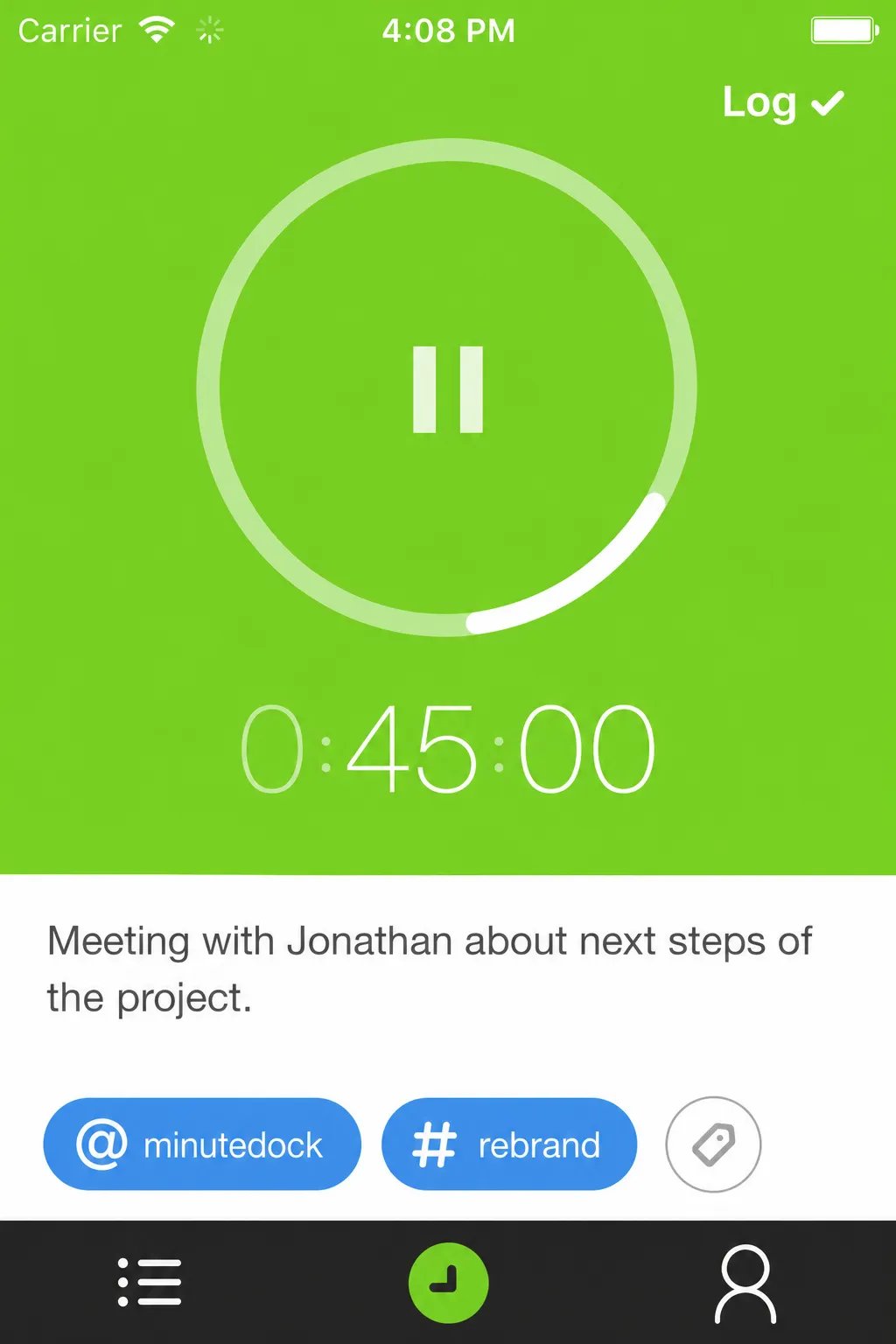
Track time as you work
Run the timer while you work, or add the time afterwards. Log client work without opening your laptop.
Log time against the client
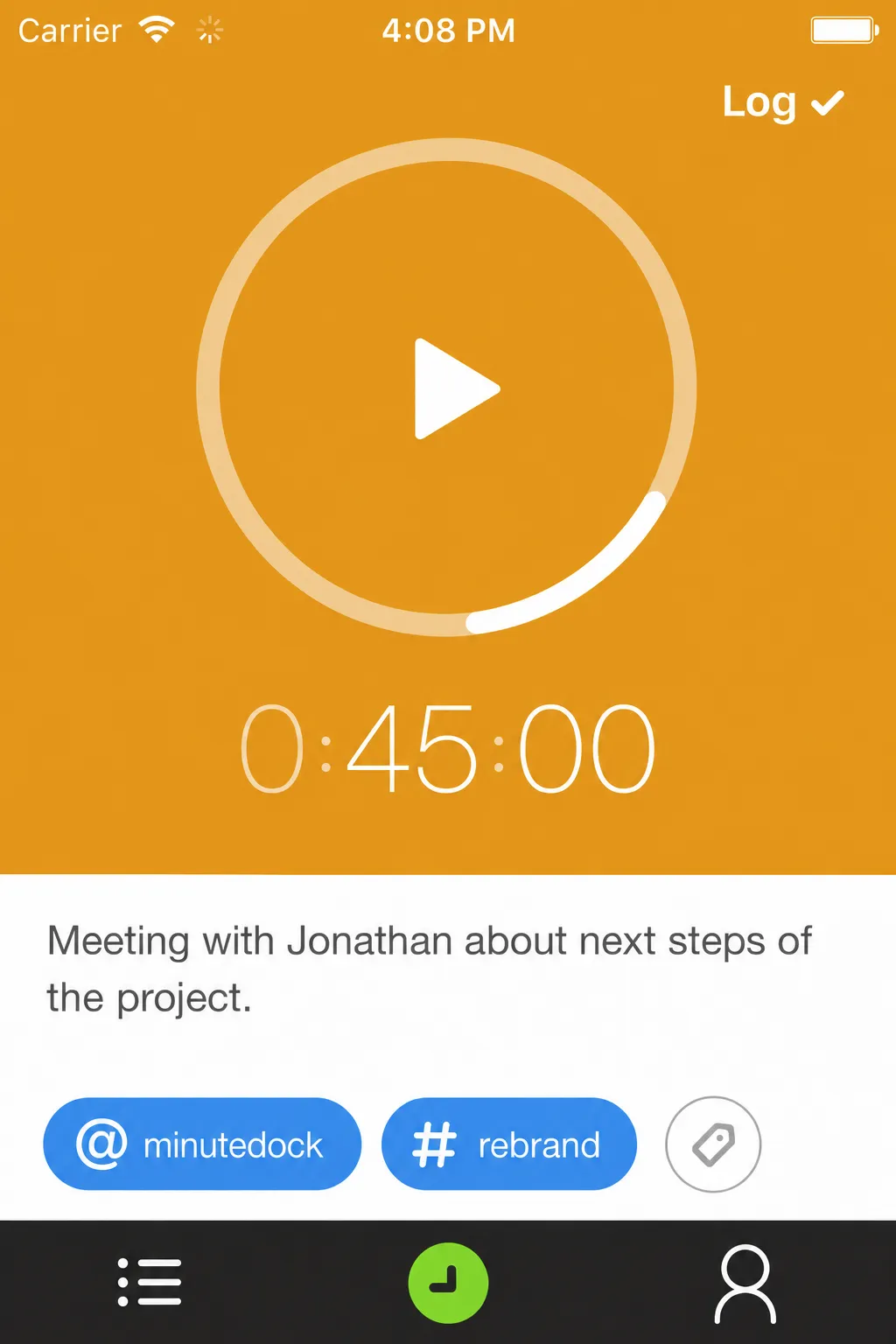
Choose the client and project, note what you did, and log your time. You can enter the duration afterwards too.
Add or correct past entries
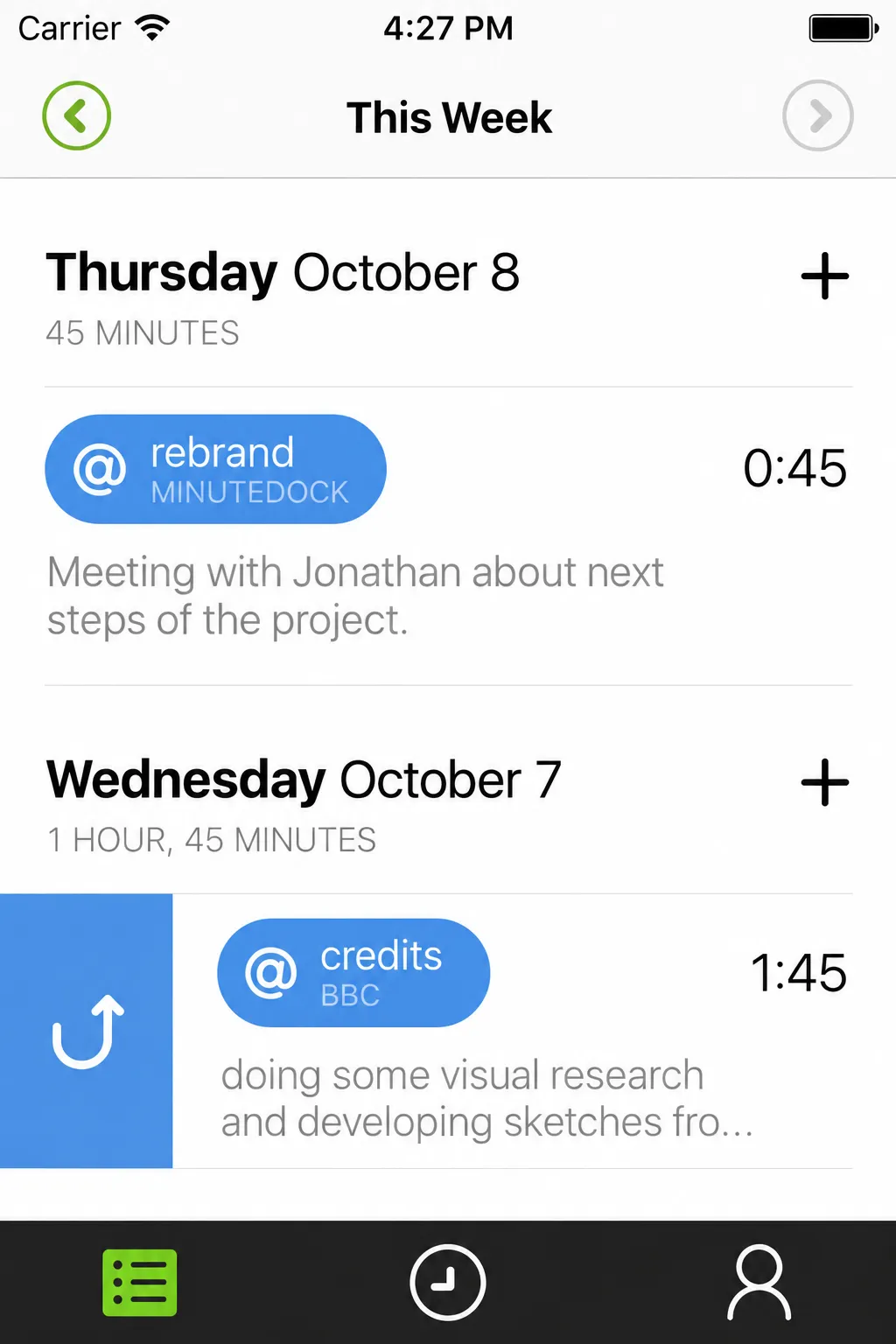
Missed a call on your timesheet? Add it from your phone. You can review and edit earlier entries too.
Track client time before you forget it
Log the meeting while you’re still at your client’s office, instead of piecing it together on Friday.
Start and stop your timer
Start on your computer and stop from your phone, or track the whole job on your iPhone.
Add the client and project
Save a note with your time so you can show clients what you worked on.
Add or correct past entries
Enter time manually if you forgot the timer, or edit an earlier entry.
Turn mobile time into reports and invoices
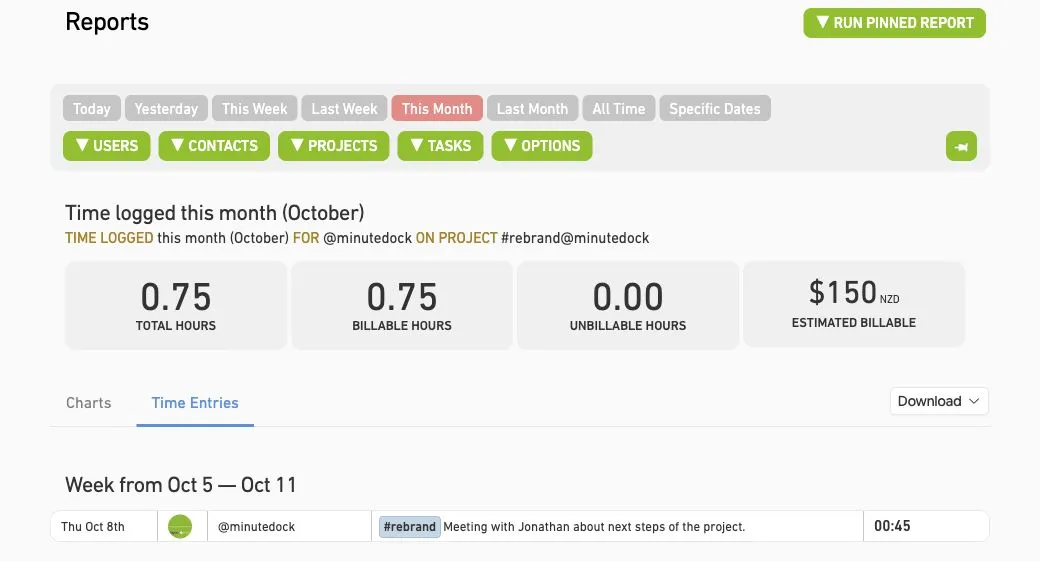
Keep one timesheet across your phone and computer. Your timer and entries stay in sync, so there’s nothing to transfer or enter again. See time tracking on the web →
Keep your team’s hours together
See where your team’s time goes and how it compares with project budgets.
Explore time reports →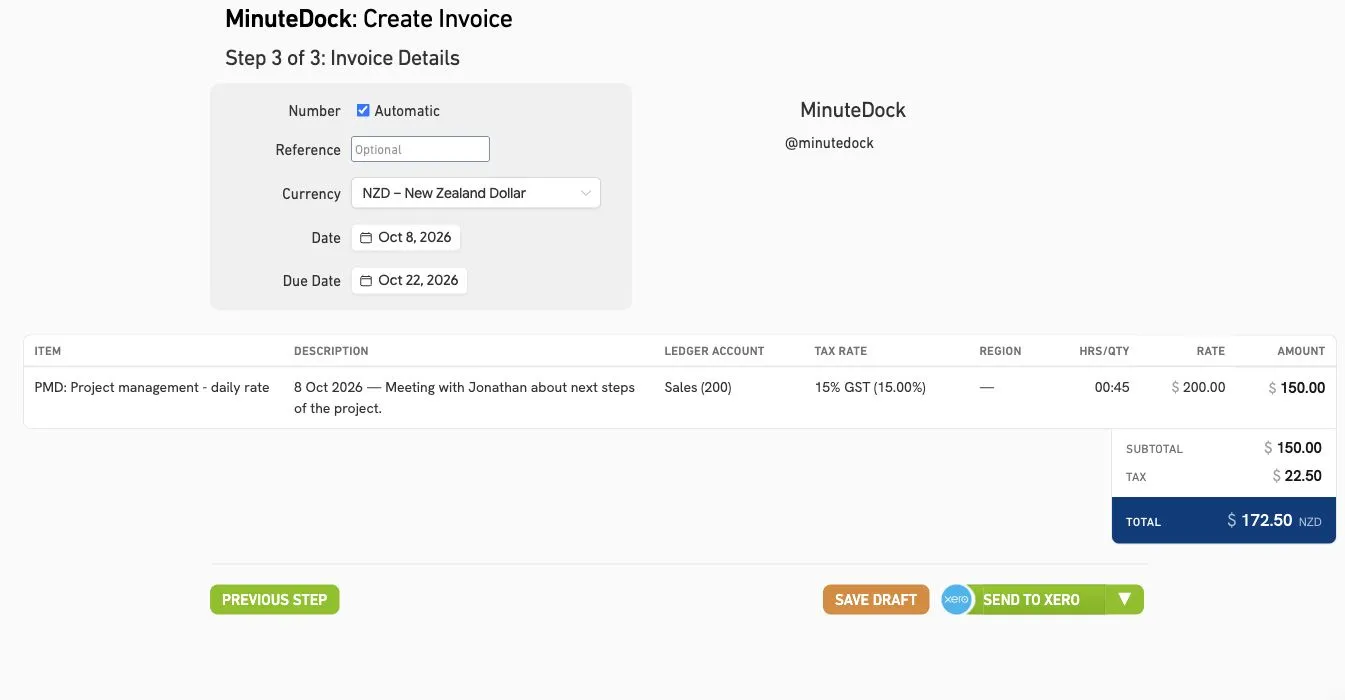
Invoice the hours you tracked
Turn time logged on your phone into invoices in Xero, QuickBooks, MYOB, FreshBooks or Wave.
See how billing works →At MRM, a PR consultancy
“They don’t have to stay late to fill in their timesheets.”
At MRM, staff complete their timesheets on the way home. Petrina uses their time to report on client profitability.

Petrina Day
Finance Director, MRM
iPhone time tracking app FAQs
- Is the iPhone app free?
The app is free to download and included with your MinuteDock account, including during your 14-day free trial.
- Do I need a MinuteDock account?
Yes. Use your MinuteDock login to access your clients, projects and timesheet.
- Can my team track time from their iPhones?
Your team can log time on their iPhones using their own logins. Each person can access the clients and projects you’ve shared with them.
- Does time tracked on iPhone sync with the web app?
Your timer and time entries stay in sync. Start on your computer and stop on your phone, or the other way around.
- Can I use mobile time entries in reports and invoices?
Mobile entries are available forreporting, billing, and youraccounting integrations, just like time logged on the web.
- Which iPhone software versions are supported?
The current MinuteDock iPhone app requires iOS 17.6 or later.
Start tracking client time on your iPhone
Try MinuteDock free for 14 days, with mobile time tracking, reporting and invoicing in one account.
Free app download · iOS 17.6+ · MinuteDock account requiredSee plans and pricing