Time Tracking Software for Developers

Developer time tracking software for freelancers and small development teams that need to capture client work, monitor project budgets, improve estimates, and prepare invoice-ready billing.

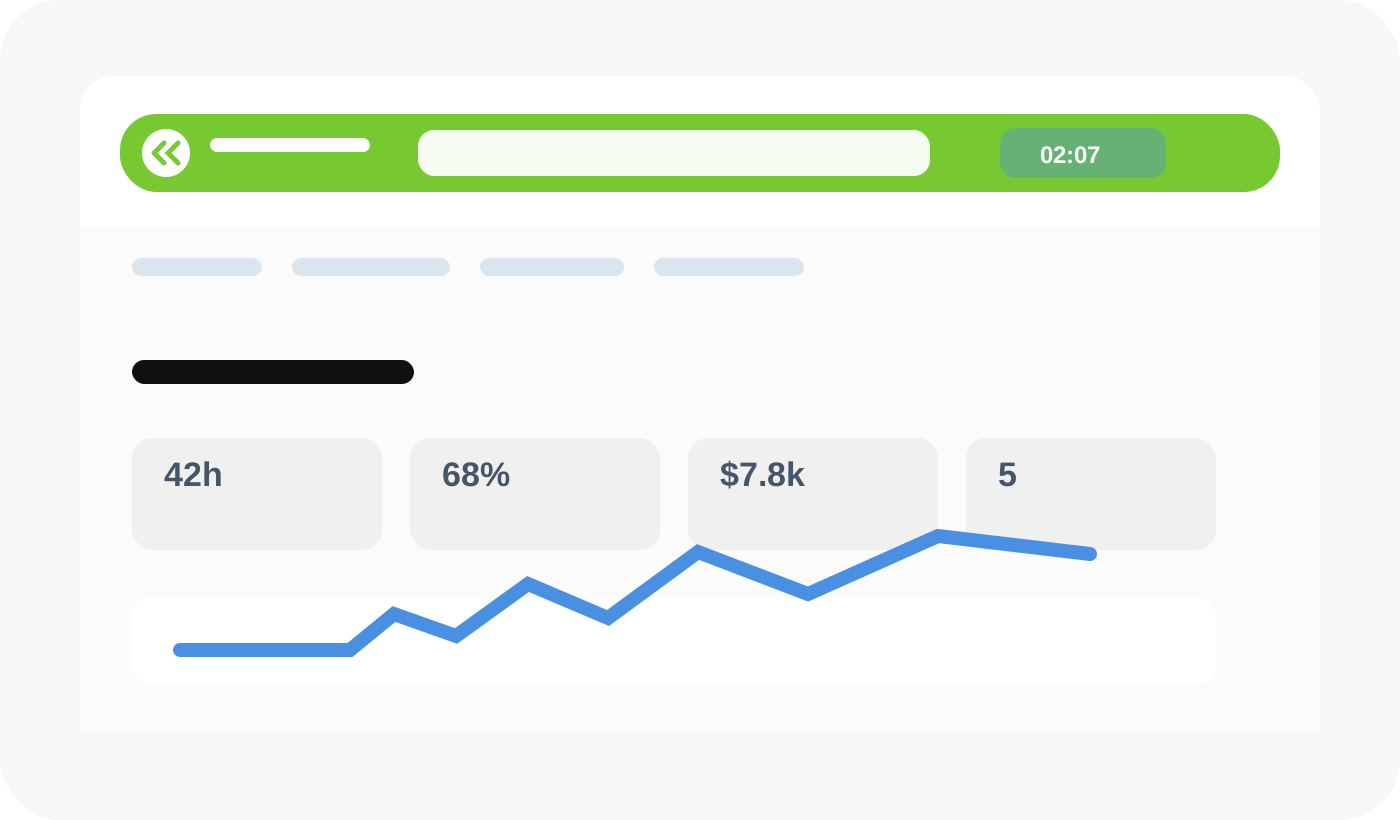
MinuteDock reporting screen showing developer project hours, budgets, billable value, and a running timer

Works with the billing and accounting tools development businesses already use

Xero logoQuickBooks logoMYOB logoWave logo

Keep client development work, project budgets, and billing detail connected.

Track development time by client, project, task, and activity, then use the resulting data to understand scope, improve estimates, and prepare accurate billing.

Track Development Time by Client, Project, and Task

Capture coding, debugging, testing, research, deployment, meetings, and support while the context is still fresh. MinuteDock keeps the timer simple without trying to monitor every application or keystroke.

Project-level context
Tie time to the right client, project, task, and activity.
Fast context switching
Move between builds, support requests, and client calls without losing time.
Useful development notes
Keep enough detail for project review and client billing.
Developer time entries organized by client, project, task, and development activity
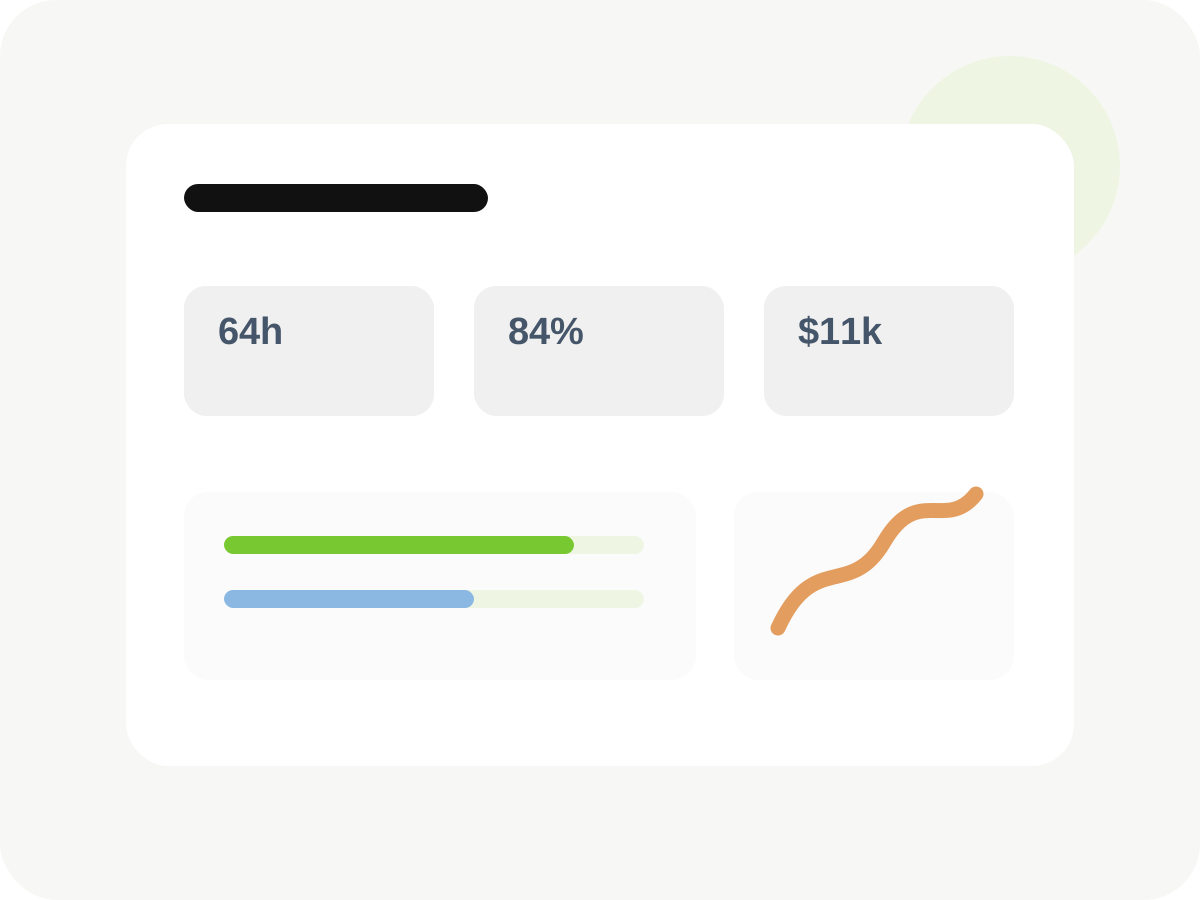
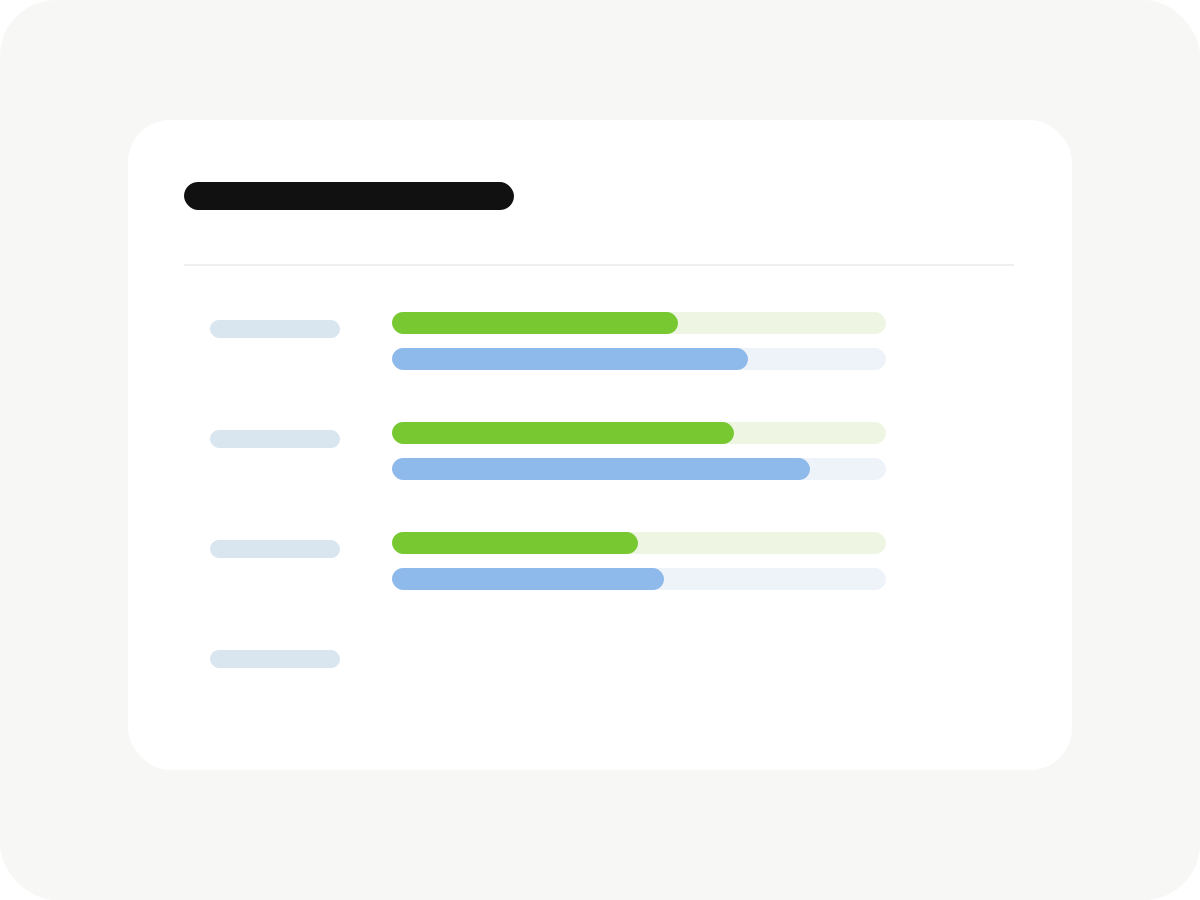
Software development project budget and scope reporting

See Project Budgets and Scope Drift Earlier

Development estimates change when debugging expands, requirements move, or “small” revisions multiply. Track actual time against project budgets so the conversation happens before the margin disappears.

Project budgets
Compare delivered hours with the estimate or fixed-fee allowance.
Scope signals
Spot tasks consuming more time than the original plan allowed.
Work in progress
See billable value building across active development projects.
Earlier decisions
Adjust scope, staffing, or client expectations while options remain.

Use Real Project Data to Improve Future Estimates

Historical time data makes the next quote less dependent on memory. Review how long discovery, implementation, testing, revisions, and support actually took across similar projects.

Estimate versus actual
Compare planned hours with delivered work by project and task.
Task-level patterns
See which phases repeatedly take longer than expected.
Fixed-fee confidence
Price future projects with better evidence behind the quote.
Client profitability
Understand which projects and support relationships reward the effort.
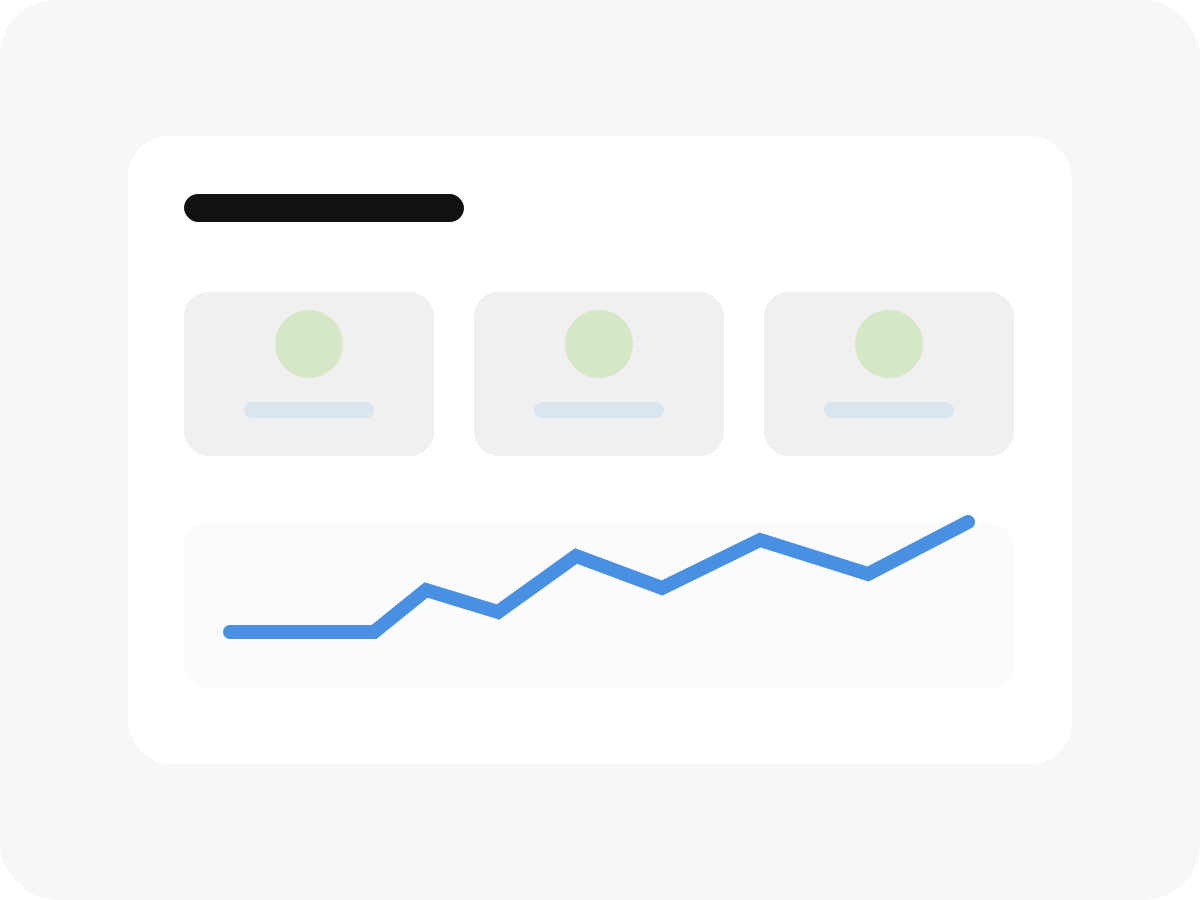
Developer estimate versus actual time reporting for project planning
Invoice-ready billing data created from developer timesheets

Turn Developer Timesheets Into Invoice-Ready Billing

Review development time, apply the right rates, and send clean billing data to the accounting system your freelance business or agency already uses.

Invoice-ready time
Group hourly development work into clear invoice lines.
Flexible rates
Apply rates by developer, client, project, task, or activity.
Detailed descriptions
Keep technical work understandable without rewriting the month.
Accounting integrations
Connect with Xero, QuickBooks, FreshBooks, MYOB, or Wave.

Simple Time Tracking for Freelance Developers and Small Teams

Keep time capture lightweight for independent developers, with shared reporting and permissions when a project grows into a team effort.

Solo-friendly workflow
Track client development without a heavyweight project suite.
Team accounts
Invite employees and contractors into one shared workspace.
Team reporting
Review time, WIP, and budgets across contributors.
Desktop and mobile
Capture time at the desk, in meetings, or away from the workstation.
Freelance developer and small development team using shared time tracking

Ready to give MinuteDock a try?

Get a 14-day free trial. Pricing starts from $19 per month.

Connect to your accounting software to streamline your workflow

Wave logo

Wave

Track time and invoice clients with Wave. Sync timesheets to Wave and create beautiful invoices, accept online payments, and make accounting easy!

OFFICIAL WAVE PARTNER
Xero logo

Xero

The smart choice for professional services using Xero. Your hours land perfectly formatted, ready to invoice with your Xero branding and settings.

5-STAR RATED OVER 15+ YEARS
QuickBooks logo

QuickBooks

Track time, sync to QuickBooks, invoice clients – done. Works seamlessly with your QuickBooks invoicing and payroll, using all your existing settings.

TRUSTED BY PROFESSIONAL SERVICES
MYOB logo

MYOB

Time tracking that gets how MYOB works. Your hours flow straight through as perfectly formatted and ready-to-go invoices – using your MYOB branding and settings.

KIWI-MADE (FOR AUSSIES TOO)
Freshbooks logo

Freshbooks

The time tracking app for Freshbooks Accounting software. Track timesheets via MinuteDock's web and mobile apps, sync to Freshbooks for billing clients.

Sage Business Cloud logo

Sage Business Cloud

Add time tracking capabilities to Sage Business Cloud. Employee timesheets tracked via MinuteDock's mobile and web apps sync to Sage for billing and payroll.

COMING SOON

Frequently asked questions

Do I need other software to use MinuteDock?

Not if you don't want to! MinuteDock can be used without any software integrations. Having said that, we find that our customers can often get the best value out of their MinuteDock usage by making use of one of our accounting software integrations to streamline their billing process.

Do you have an iPhone or Android app?

We sure do - the MinuteDock mobile app links and syncs directly with your MinuteDock account. Best of all, it's free to use with your MinuteDock subscription.

I have old data solution that I want to import to MinuteDock. How can I do this?

Drop a line to our customer support team (team@minutedock.com). If you provide us with a CSV file containing the data you want to import to MinuteDock, we'll get everything setup.

What is the best time tracking software for developers?

The best time tracking software for client-service developers is quick enough to use while switching between development tasks, but detailed enough to report by client, project, task, budget, and billable value. MinuteDock combines simple time capture with project reporting and invoice-ready billing.

Can developers track time by project and task in MinuteDock?

Yes. Developers can organize time by client, project, task, activity, team member, billable status, and date range. This makes it easier to separate coding, debugging, testing, meetings, deployment, support, and internal work.

Can developers track billable and non-billable time?

Yes. MinuteDock can separate billable client development from non-billable work such as internal tooling, estimates, sales calls, training, and business administration. This gives freelance developers and software agencies a clearer view of utilization and project profitability.

Does MinuteDock automatically monitor developer activity?

No. MinuteDock is designed for intentional time capture and useful work notes, not screenshots, keystroke logging, or automatic application monitoring. Developers start or enter time against the relevant client and project, keeping the resulting record meaningful for budgets and billing.

Can MinuteDock help improve software project estimates?

Yes. Developers and small agencies can compare tracked time with project budgets and review historical time by project and task. That data helps identify recurring estimation gaps and price future hourly or fixed-fee work with more confidence.

Can I invoice development work from tracked time?

Yes. MinuteDock helps you review developer timesheets, apply the appropriate rates, and turn approved time into invoice-ready billing data for accounting systems including Xero, QuickBooks, FreshBooks, MYOB, and Wave.

Try MinuteDock for free

Try for free