For solo accountants and small teams
Time tracking software for accountants
Log your time in seconds, keep an eye on fixed-fee jobs and get invoices out sooner.
Works with the accounting software you already use
Make the five-minute jobs count
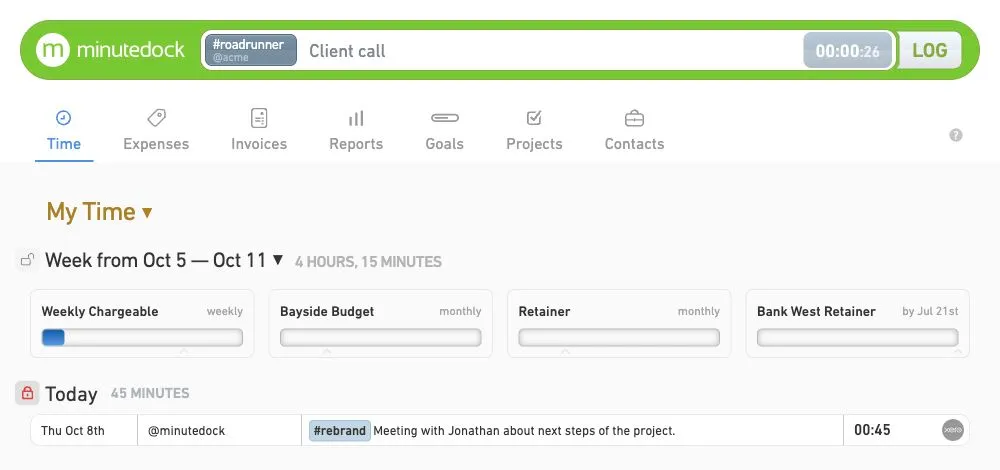
The quick email that turns into half an hour is easy to forget. Log it as you go, so you’re not piecing together a week’s work on Friday.
Pick up where you left off
Client on the phone? Pause one job, time the call, then go back to what you were doing. You can add missed time too.
Remember what the time was for
Keep your notes and hours organised by client, job and task. You’ll have the detail when it’s time to bill.
Log time wherever you work
Log time at your desk, or use the iPhone and Android apps when you’re out with a client.
See how much time each client takes
Compare each job’s hours and billable value with your fee. Check unbilled work before month-end and use past jobs to guide your next quote.

Keep track of fixed-fee work
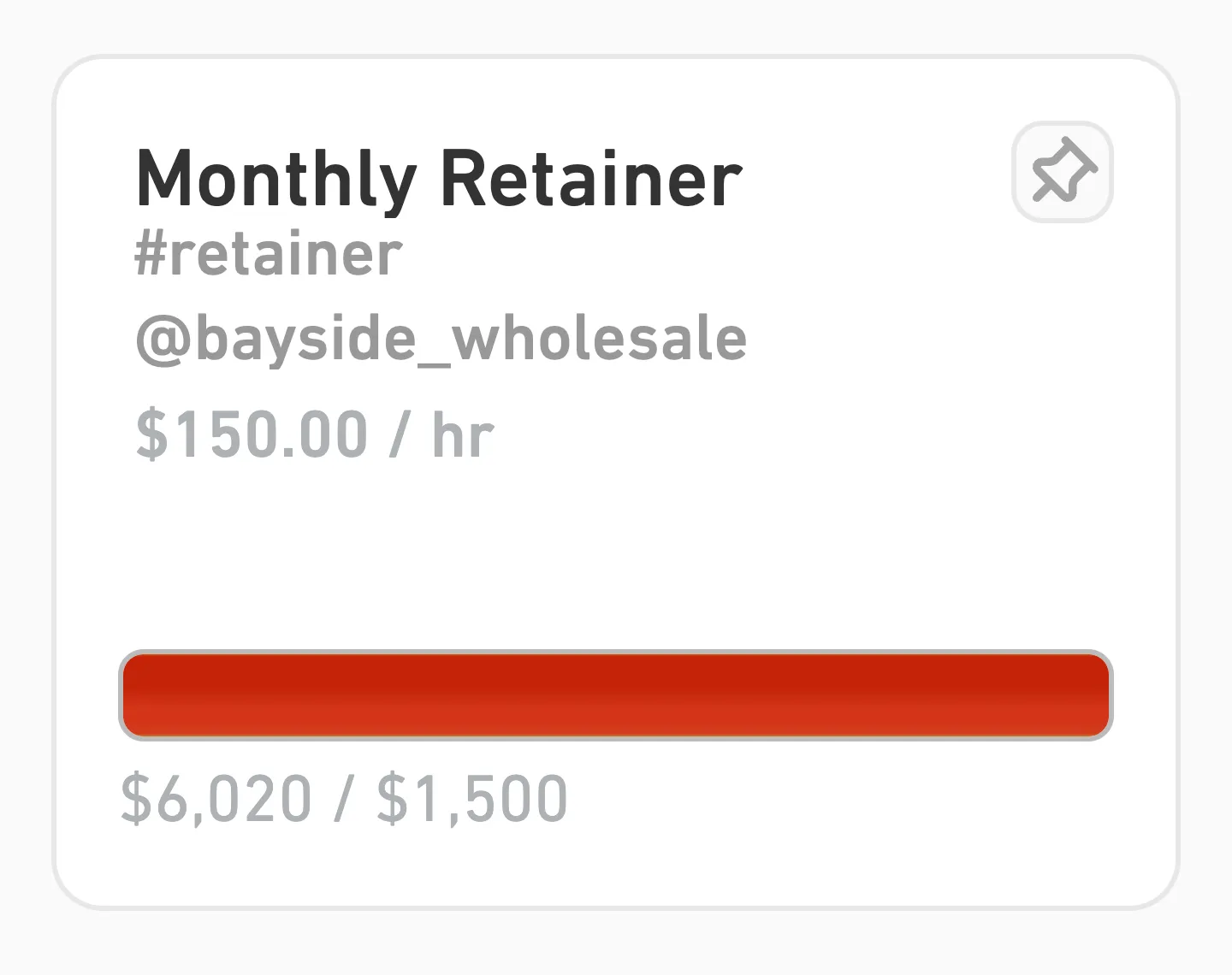
Set a budget in hours or money for a job or monthly retainer. It updates as you log time, so you can talk to the client before the work goes over budget.
Turn your hours into invoices
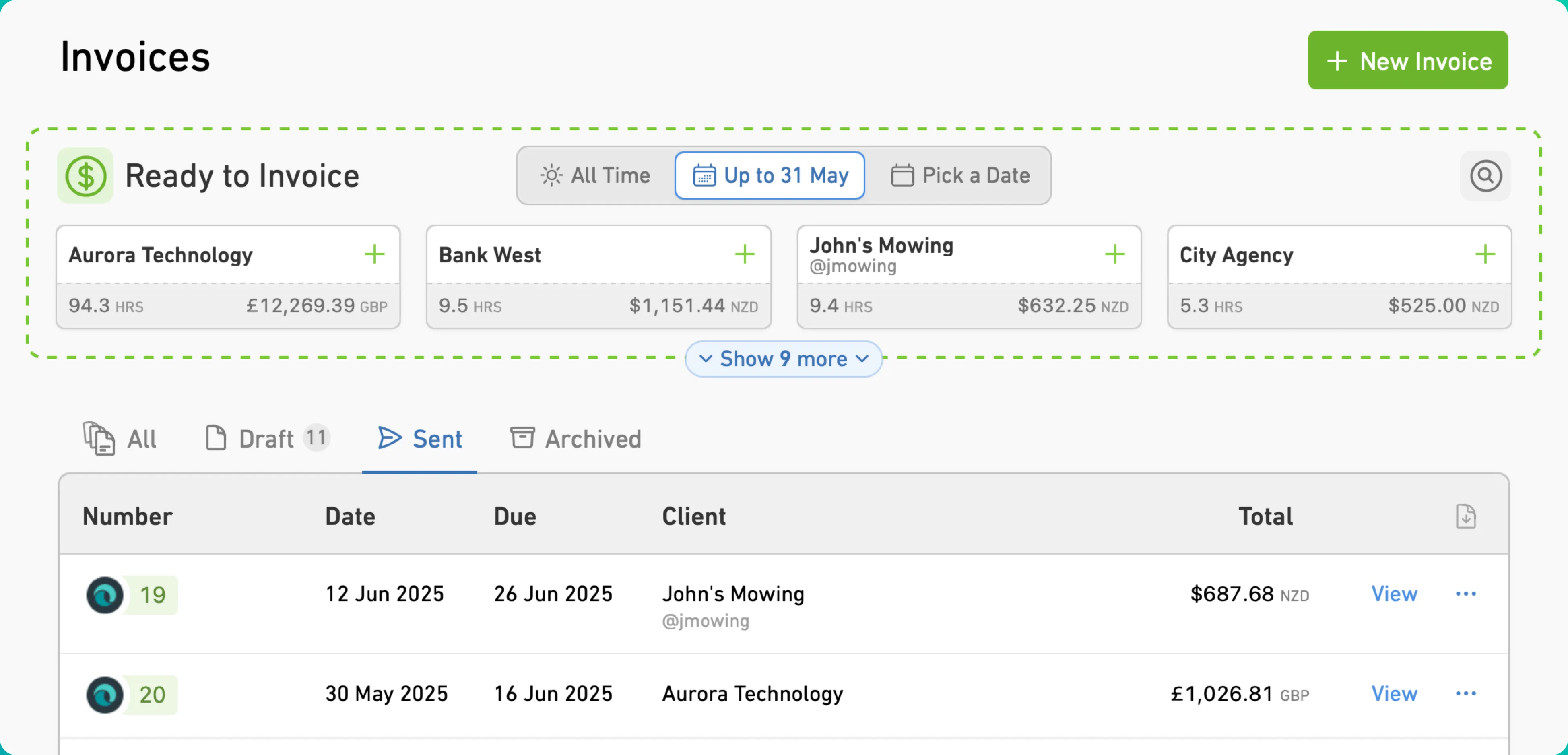
Create invoices from your hours, notes and rates. Bill by time or fixed fee, then review the draft and send it through your accounting software.
See what everyone’s been working on
Everyone logs their own time, and you can see the hours and notes together. Check progress on a job or review the work before sending a bill.
Choose who can see what
Keep rates and billable value visible only to the people who need them. You can also limit which clients each person can access.
Set rates to suit the work
Set rates by person, client, job or task. Keep billable work and internal admin on the same timesheet.
Review your team’s timesheets
See everyone’s hours and notes in one report. Filter by person, client or date to check the work behind a bill.
A few common questions
- Does MinuteDock replace my accounting software?
No. MinuteDock takes care of time tracking, WIP and budgets, and helps you prepare invoices. Send them to your accounting software as drafts to review and send. You can also use MinuteDock on its own.
- Can we use it for fixed-fee work as well as hourly billing?
You can track hourly jobs, fixed-fee work and retainers together. For a fixed-fee job, bill the agreed amount and compare it with the time you spent. You can also keep track of billable vs non-billable hours.
- Does time tracking still matter if we use value pricing?
Yes. You still decide what to charge. Knowing how long the work took helps you check whether the fee covers your time and costs, and decide what to quote next time.
- Can we check WIP during the month?
You can see unbilled hours and their billable value whenever you need to. Filter by client, job, task, person or date to find what you’re looking for.
- What should I look for in timesheet software for accountants?
Something that’s quick enough to use every day, with reports and budgets that help you check how jobs are going. MinuteDock also lets you invoice from the time you’ve logged. Read more about the benefits of time tracking.
- Can we log time on iPhone and Android?
Both apps are included with your subscription and sync with your account. You can log time on your phone and find it waiting when you’re back at your desk.
- Can we import timesheets from our old system?
Send a CSV file to team@minutedock.com and our support team can help move your existing time data into MinuteDock.
- Which accounting software does it work with?
Xero, QuickBooks, MYOB, FreshBooks and Wave. Build the invoice in MinuteDock, then review and send the draft in your accounting software.
- Do we need a higher plan for more features?
No. Every plan includes every feature. Choose a plan for the number of people who need to log time. There are no extra fees for clients, projects, tasks, invoices or the amount you invoice.
Spend less time on billing
Try every feature free for 14 days. Plans start from $19 per month.