Reporting
Time reports for more profitable client work
Find hours still to bill, use past project time to set better fees, and balance your team’s workload.
See unbilled hours and their value
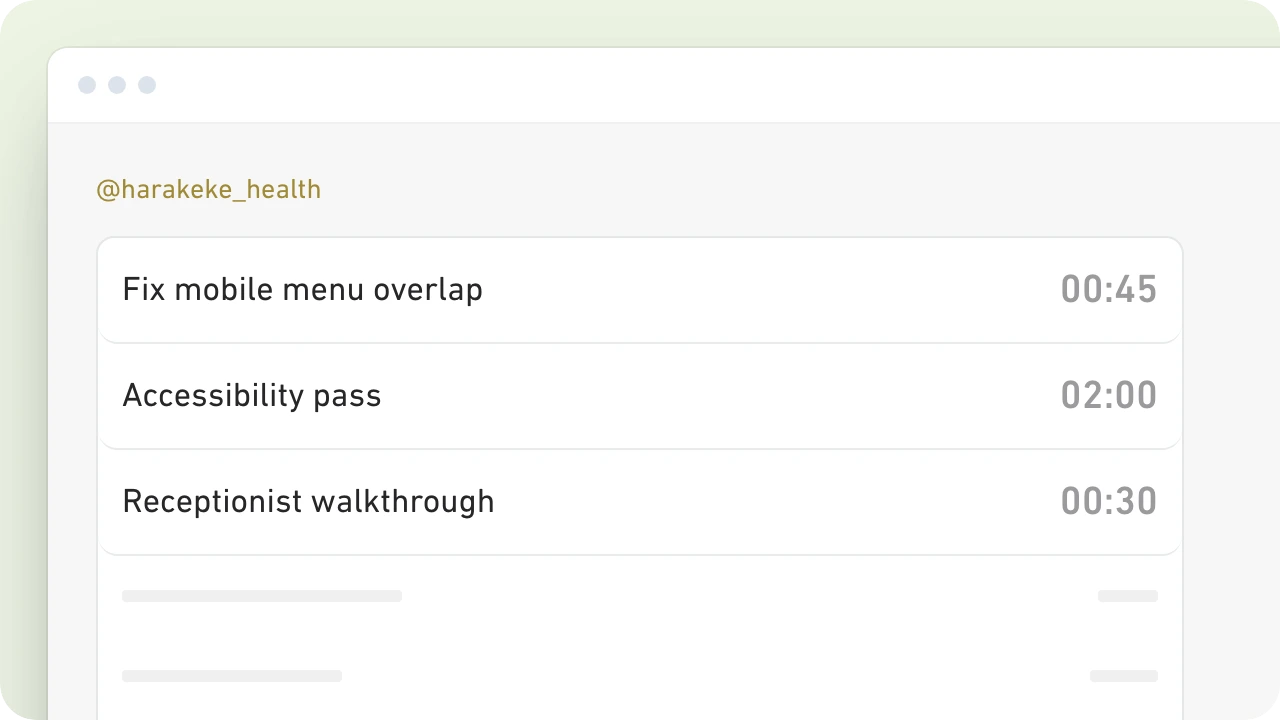
Check every client’s unbilled work together, so logged billable hours don’t get left off your invoices.
Correct hours, descriptions, clients, projects or tasks directly in the report before invoicing.

Price projects more profitably
Did that fixed-fee job take longer than you expected? See which projects and tasks used the hours before you quote the next one.
Compare tracked hours and billable value with your fees and costs to identify your most profitable work. Export the detail when you want to take the analysis further.

Balance billable work across your team
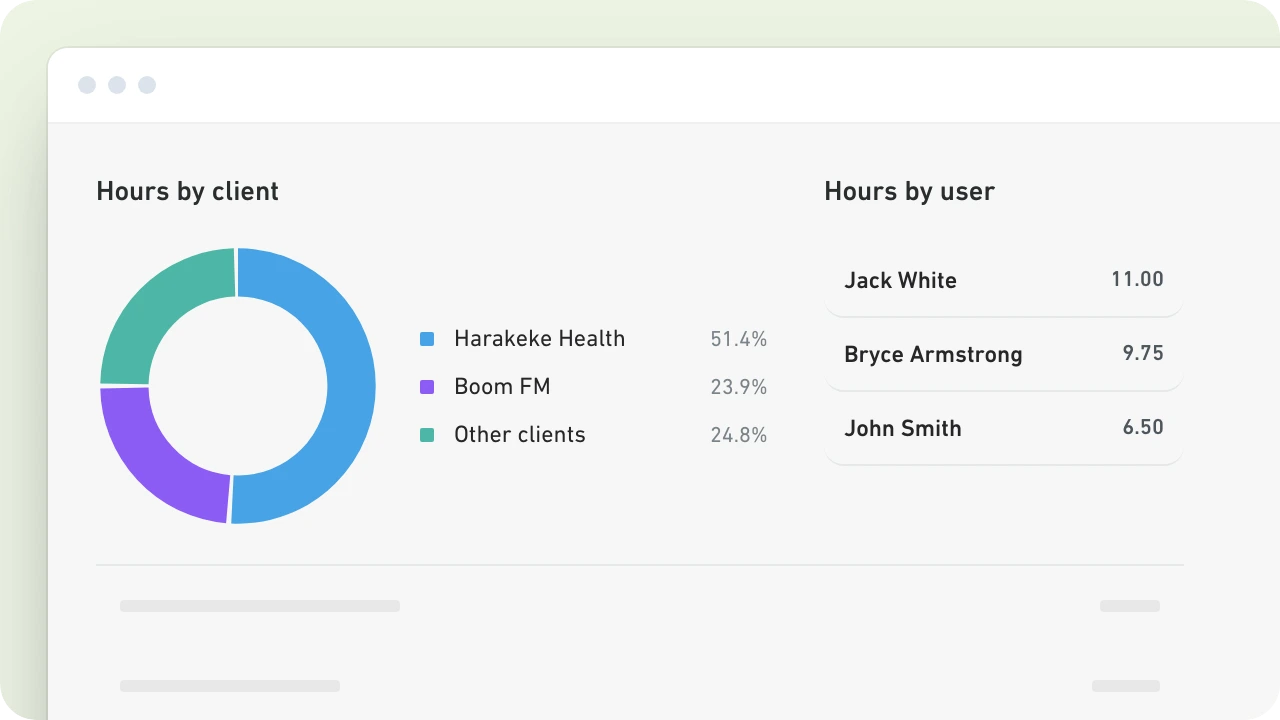
Separate billable and unbillable time by person or client to see where workloads are uneven.
Check client work alongside internal admin before deciding who can take on the next job.

 Petrina DayFinance Director, MRM
“MinuteDock can help us to spread new business fairly across employees, identify where there may be training required if more time is taken on specific tasks.”
Put your reports to work
Keep the weekly review quick
Pin the filters you use regularly, then return to the same view for your next team or client review.
Share the work behind the bill
Download a PDF timesheet to send with an invoice, or export detailed time data to CSV for Excel.
Let clients check their hours
Give a client their own reporting link to check time by project and task. Your billing rates stay private.
Turn billable hours into invoices
Create invoices at your agreed rates without re-entering the time. Send drafts to your accounting software, then approve and send them to clients as usual.
Questions about reporting
- How can I filter my reports?
Filter by client, project, task, person or date range. Include or exclude billable, unbillable, invoiced or uninvoiced time.
- Can I report on fixed-fee work?
Yes. Compare the hours spent on a job with your fixed fee to understand profitability and improve future quotes.
- Can I export reports to Excel?
Download time data as a CSV file to open in Excel or another spreadsheet tool.
- Can clients check their own hours?
Give each client a private reporting link to check their hours, projects and tasks without requesting updates. Client View keeps billable values and charge rates hidden.
- Is reporting included in every plan?
Every plan includes every feature, including reports, exports and client access. Plans differ only in the number of users included.
Try time reporting free for 14 days
Find hours still to bill, see which jobs take the most time and make your next quote with better information.
No credit card required. See pricing.