Remember what those hours were for
Keep each client’s time, projects and notes together, so you can explain the work when it’s time to bill.
Log the call while it’s fresh, then get back to client work. Come billing time, the hours and details are already there.
Try free for 14 daysNo credit card required. See pricing.
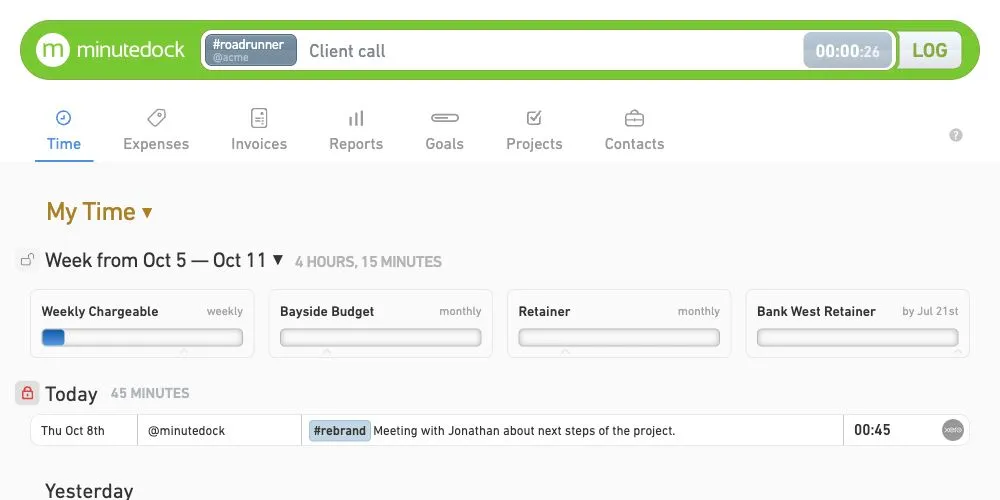
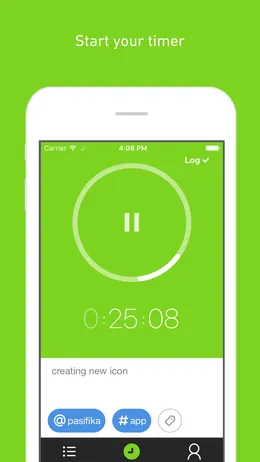
Let the timer keep count while you work. Pause for breaks and log the time when you’re done.
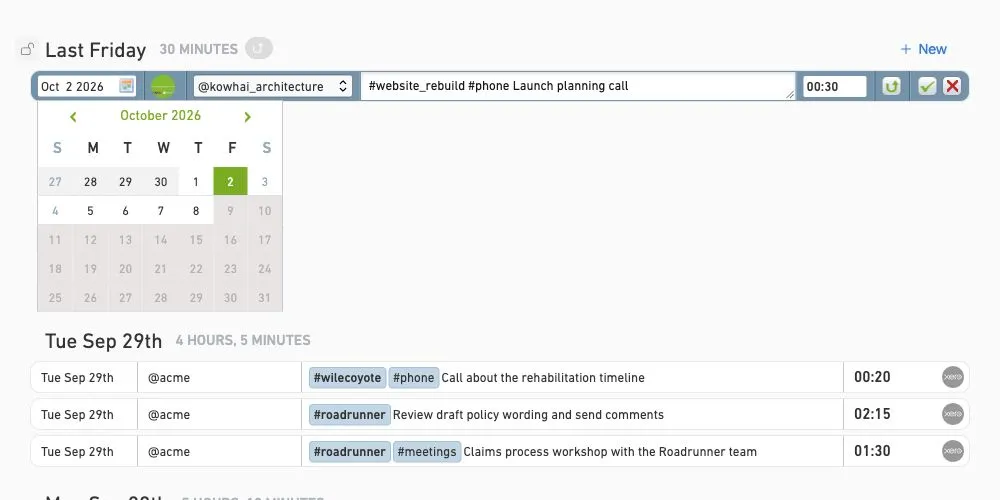
Forgot the timer? Add “45 mins” or “1.5 hrs” against the day you did the work, so that call still counts.
Pick up after an interruption with the client, project and notes already filled in.
Keep each client’s time, projects and notes together, so you can explain the work when it’s time to bill.
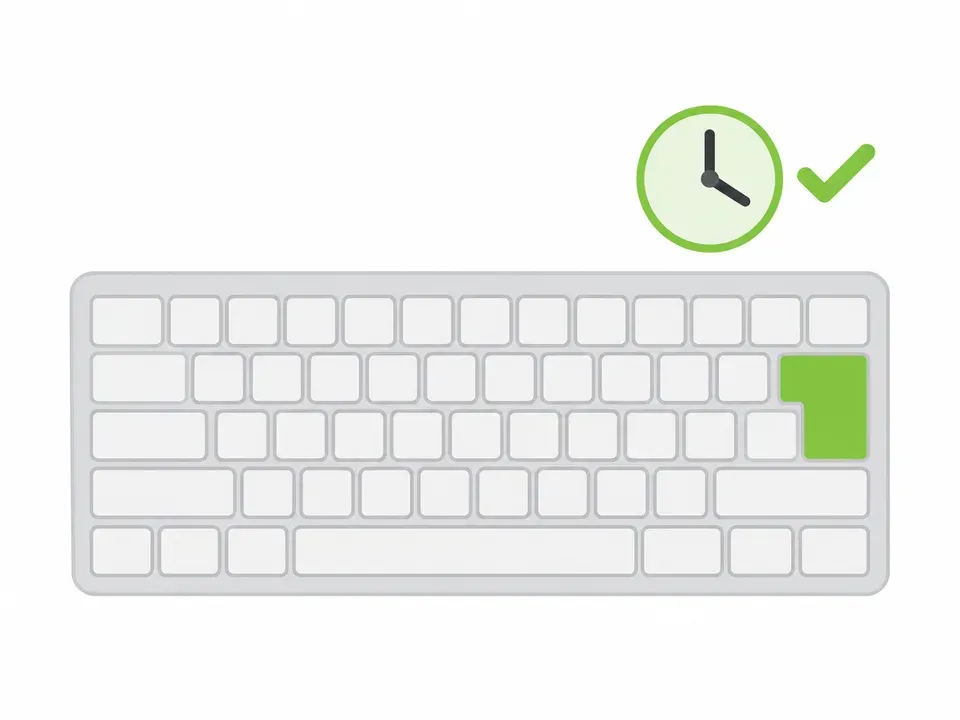
Choose the client, project and task with @ and # as you type. Add a note and press Enter to log, all from the keyboard.
Wrong client or a few minutes short? Change the duration, date, client or notes in the original entry.
Build the invoice from your tracked time, then send it to the accounting software you already use.

Blake Oliver
Cloudsourced Accounting
“MinuteDock is hands down the quickest and most efficient method for entering time. Our bookkeepers love it.”Read Cloudsourced’s story
Log or correct time on iPhone or Android while the details are fresh. Your timer and entries stay in sync for when you’re back at your desk.
Enter each job’s duration and date manually. Keyboard shortcuts make it quick to add several entries in one sitting.
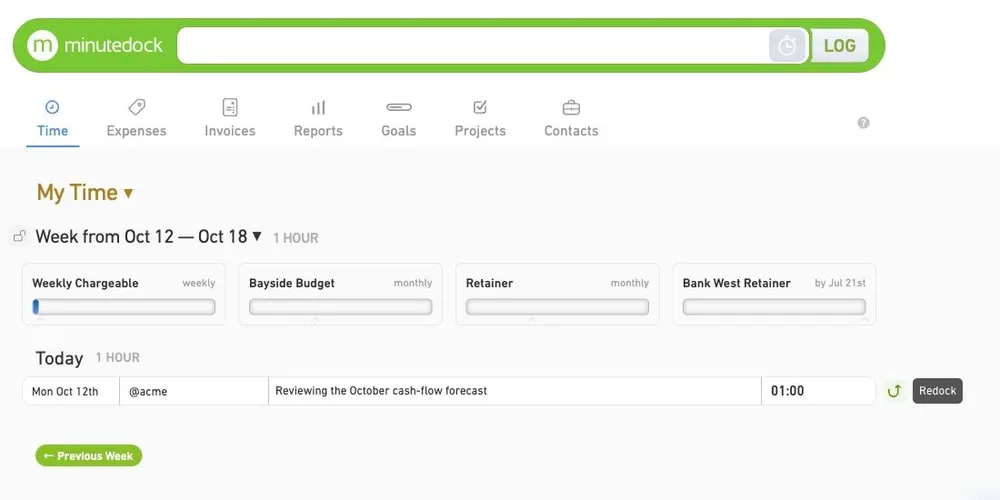
Save the work you’re leaving before starting the next job. When you return, resuming today’s entry adds to its existing time; resuming an older entry starts a new one for today.
Each person has their own login. Choose which clients they can access and whether they can see other people’s time, rates and invoices. See team permissions.
Track internal work alongside client work. Reports separate billable and non-billable hours, so you can see where the whole day went.
Log the call, keep the details and give yourself less to catch up on. Free for 14 days.
Start your 14-day free trialNo credit card required. See pricing.