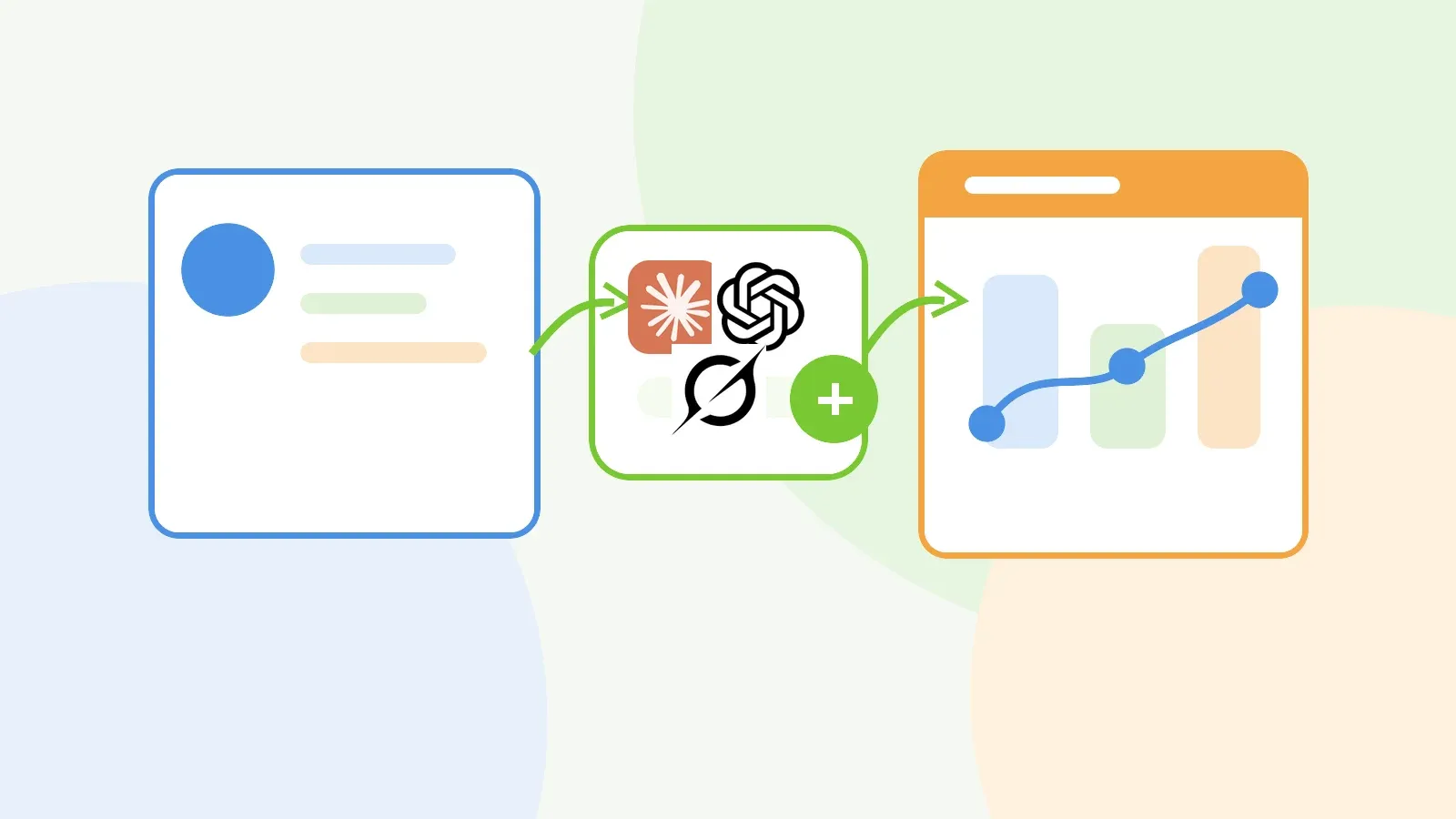
AI time tracking software for accountants and bookkeepers works best as admin support. The assistant drafts Time Entries, tidies descriptions, finds recent work, and answers questions about recorded time. The practice keeps control of billing judgement.
A bookkeeper finishes three reconciliations, answers a client question, checks a payroll issue, then tries to rebuild the day at 5:20pm. A tax manager jumps between review notes, client emails, and a partner call, then fills in time entries from memory. The context exists in notes, calendars, client names, project details, and half-finished descriptions.
AI-assisted time tracking helps with that messy middle. When a time tracking tool connects to Claude, ChatGPT, or another assistant, rough notes become draft Time Entries. Recent work takes less digging to find. A manager can ask plain-English reporting questions during review. A person still checks the record before it feeds billing or client conversations.
AI time tracking software in an accounting practice
AI time tracking means using an AI assistant to record, organize, correct, or report on time data. For an accounting or bookkeeping practice, the value sits in practical questions: which client took more effort than expected, where does time look thin, and which entries need cleanup before invoicing?
MCP, short for Model Context Protocol, often handles the connection layer. The Model Context Protocol documentation describes MCP as an open-source standard for connecting AI applications to external tools, data, and workflows. Anthropic’s announcement of MCP describes the same idea: AI assistants connect to the systems where work already lives, without a custom one-off integration for every tool.
For a practice owner, MCP lets an approved AI assistant work with approved business tools. In a time tracking workflow, the assistant might look up recent entries, draft a missing entry, summarize time for a client, or find entries that need more detail before billing day.
The assistant supports the record. The practice still decides what belongs on an invoice, what needs a client conversation, and what becomes a write-off.
Using AI time tracking software with MinuteDock data
MinuteDock is a time tracking and billing platform built for professional services teams. With MinuteDock’s AI time tracking feature, practices connect MinuteDock to Claude, ChatGPT, Cursor, Grok, or another MCP-ready tool, then work with time data through conversation.
In practice, that changes the small jobs that make timesheets drag.
Log time in a sentence. Instead of opening a timesheet and filling each field by hand, a user might ask the assistant to create a Time Entry for “45 minutes reviewing March bank rec queries for Acme.” Where the context is clear, MinuteDock maps the entry to the right Contact, Project, or Task.
Backfill missed time while the details still feel fresh. Someone who spent the afternoon in client work can describe the work in plain language and ask the assistant to draft entries against the right clients and categories. That beats a vague block called “client work” during invoice review.
Tidy Time Entries before billing. A practice manager might ask for entries from this week that lack client context, use vague descriptions, or look too short for the work involved. The assistant returns the cleanup list. The person responsible decides what to change.
Ask for reporting context before building a formal report. A manager can ask, “Which bookkeeping clients took the most time this month?” or “Show advisory work by client for the last two weeks.” MinuteDock organizes product data by Contacts, Projects, Tasks, Users, and date ranges. The assistant gives the team another way to query that structure in natural language.
This works well for the quick questions that appear during review, invoicing, capacity planning, or a client call. The reporting screen still handles the deeper analysis.
Practical examples for accountants and bookkeepers
For accountants and bookkeepers, the useful cases cluster around client profitability, fixed-fee pricing, workload visibility, and admin cleanup.
Month-end close
A bookkeeper handling month-end close for several clients may know the week felt heavy, but not which clients created the pressure. AI-assisted time tracking can answer questions like: “Which clients took the most time this week?” or “Which clients had more reconciliation time than usual?”
The practice spots workload drift sooner. One client sends messy records late each month. Another looks easy on paper but burns follow-up time. Those details shape capacity planning, expectations, and fees.
Fixed-fee bookkeeping
Fixed-fee work depends on knowing the true cost of delivery. If a bookkeeping package allows eight hours a month and takes fourteen, the issue may stay hidden until margins slip.
An assistant gives the team a faster way to ask follow-up questions: “How much time did we spend on this client this month?” “How much of that was reconciliation versus payroll?” “Did we spend more time than the retainer assumes?”
Those questions affect pricing and scope. Better time records help the practice decide whether to adjust the fee, tighten the service scope, or have a clearer conversation with the client.
Tax season and year-end
Busy periods create poor time tracking habits. Team members jump between client files, review notes, email questions, and urgent corrections. By the end of the day, the work happened, but the record feels fuzzy.
The assistant can turn a rough memory into a draft: “Create entries for this afternoon: 30 minutes reviewing Smith year-end queries, 20 minutes checking GST treatment for Jones, 50 minutes preparing notes for the Brown return.” The user reviews the details before those entries become part of billing or reporting.
Advisory work
Advisory work often gets mixed into compliance work when the same client conversation covers both. Later, the practice struggles to see how much team time went into higher-value advisory activity.
If team members tag Time Entries with care, an assistant can summarize advisory time apart from compliance work. A practice owner can ask whether advisory work is growing, which clients use it, and whether the current pricing model reflects the time involved.
Team review
Managers do not need more reports for every review. Sometimes they need a short list of entries that need attention.
An assistant can surface missing, vague, or unusual entries before invoicing. It might identify entries with no Project, entries that say “admin,” or a cluster of work logged to the wrong Contact. That turns review into a focused cleanup task instead of a hunt through the whole timesheet.
Where AI helps, and where human judgement still matters
AI works best on administrative, repetitive, or query-based tasks. It struggles when the task requires professional judgement about billing, client communication, confidentiality, or accounting advice.
Keep the decision with the practice. An assistant can draft a Time Entry; a person should decide whether the entry is accurate. An assistant can summarize time for a client; a person should decide how to use that summary in a pricing conversation. An assistant can flag vague entries; a person should decide whether they need editing.
Security and control need plain rules. The OpenAI MCP documentation tells teams to use care with custom MCP servers, trusted servers, prompt injection risks, and write actions. Those rules give accounting practices a sensible baseline for client information. Use official or trusted connections, limit access to what the assistant needs, and treat write actions with more care than read-only questions.
Professional bodies now frame AI adoption as a governance question as well as a productivity question. The ACCA AI Monitor discusses AI opportunities, risks, and trust across accountancy, while CPA.com maintains AI resources for accounting and finance professionals. Practices need judgement, controls, and accountability around any assistant that touches client data.
With MinuteDock, start with lower-risk prompts. Ask the assistant to list recent entries, summarize this week’s time, or find entries that need review. Move into creating or editing Time Entries once the team understands how the connection behaves and who checks the result.
How to get started with MinuteDock and an AI assistant
Start with a small workflow test instead of a practice-wide transformation.
Choose an MCP-ready assistant, connect MinuteDock, and follow the MinuteDock setup guide for Claude, ChatGPT, and other AI assistants. Start with prompts that read or summarize existing data before asking the assistant to create or edit anything.
Useful first prompts include:
- Show my recent Time Entries for this week.
- Summarize time by client for yesterday.
- Find Time Entries with vague descriptions.
- Which Contacts took the most time this month?
- Draft a missing Time Entry for 35 minutes spent reviewing payroll questions for a client.
For accounting practices, connect this workflow back to the broader time tracking setup. If your practice is comparing accountant time and billing software, MinuteDock’s accountant page covers the commercial fit. For bookkeeping teams, the time tracking software for bookkeepers page is the better support path.
AI works best when the underlying time data has structure. If Contacts, Projects, Tasks, and descriptions are messy, the assistant has less to work with. A small cleanup of naming conventions and entry habits will do more for the AI layer than another round of prompt tweaking.
AI time tracking FAQ
What is an AI time tracker?
An AI time tracker uses an assistant to draft, tidy, or query Time Entries from approved time data. For accounting firms, it is most useful when it reduces late timesheet admin without taking billing judgement away from the practice.
MCP time tracking
MCP time tracking means connecting an MCP-ready AI assistant to a time tracking tool, so the assistant can work with approved time data and actions. In practice, that might mean asking the assistant to find recent Time Entries, draft new entries, summarize time by client, or tidy records before billing.
Can ChatGPT or Claude log time in MinuteDock?
MinuteDock’s AI feature page says MinuteDock can connect to Claude, ChatGPT, Cursor, Grok, and other MCP-ready assistants. Once connected, the assistant can work with time logging and time-data questions based on the permissions and capabilities available through the connection.
Is AI time tracking safe for client work?
AI time tracking can suit client work when the practice uses trusted connections, reviews the output, and keeps control of billing-sensitive actions. Start with read-only or review-style prompts, then expand into creating or editing entries once the team trusts the controls.
Does AI replace normal time tracking?
AI reduces friction around recording, cleaning up, and querying time. The underlying system still matters because the practice needs reliable Contacts, Projects, Tasks, Users, date ranges, and billing records.
Should accountants use AI time tracking for fixed-fee work?
Yes, when the practice wants to understand the true cost of delivery. Fixed-fee work still needs time data, even when the invoice is not calculated by the hour. AI makes that data easier to capture and review, which supports better pricing and scope decisions.