For small client-service businesses
Time tracking software for small business
Keep client work from disappearing between the job and the invoice. Track time as you go, watch your budgets, and send clean billing details to the accounting software you already use.
- 14-day free trial
- Unlimited clients and projects
- Cancel any time
Is MinuteDock the right fit?
Built for small businesses that sell their time and expertise
When you spend the day doing client work and running the business, it is easy for time to disappear into calendars, notes, and memory. MinuteDock gives you a reliable record for budgets, pricing, and invoices.
Use MinuteDock on your own or with a small team. It works whether you charge by the hour, by project, on retainer, or with a mix that changes from client to client.
- Client and project time
- Log time against the right client and project, with details that still make sense at invoice time.
- Flexible billing models
- Bill by the hour, by project, on retainer, or with a mix that suits the job.
- Know where the hours are going
- Check budgets, work in progress, billable value, and profitability before the month is over.
- Less work at invoice time
- Prepare clear billing details and keep invoicing in the accounting software you already use.
Need a different kind of time tracker?
MinuteDock is built around client and project work, not employee attendance. If you mainly need shift schedules, payroll clock-ins, or job-site monitoring, a workforce time-and-attendance tool will be a better fit.
From timer to invoice
Track the work once, then use it all the way to the invoice
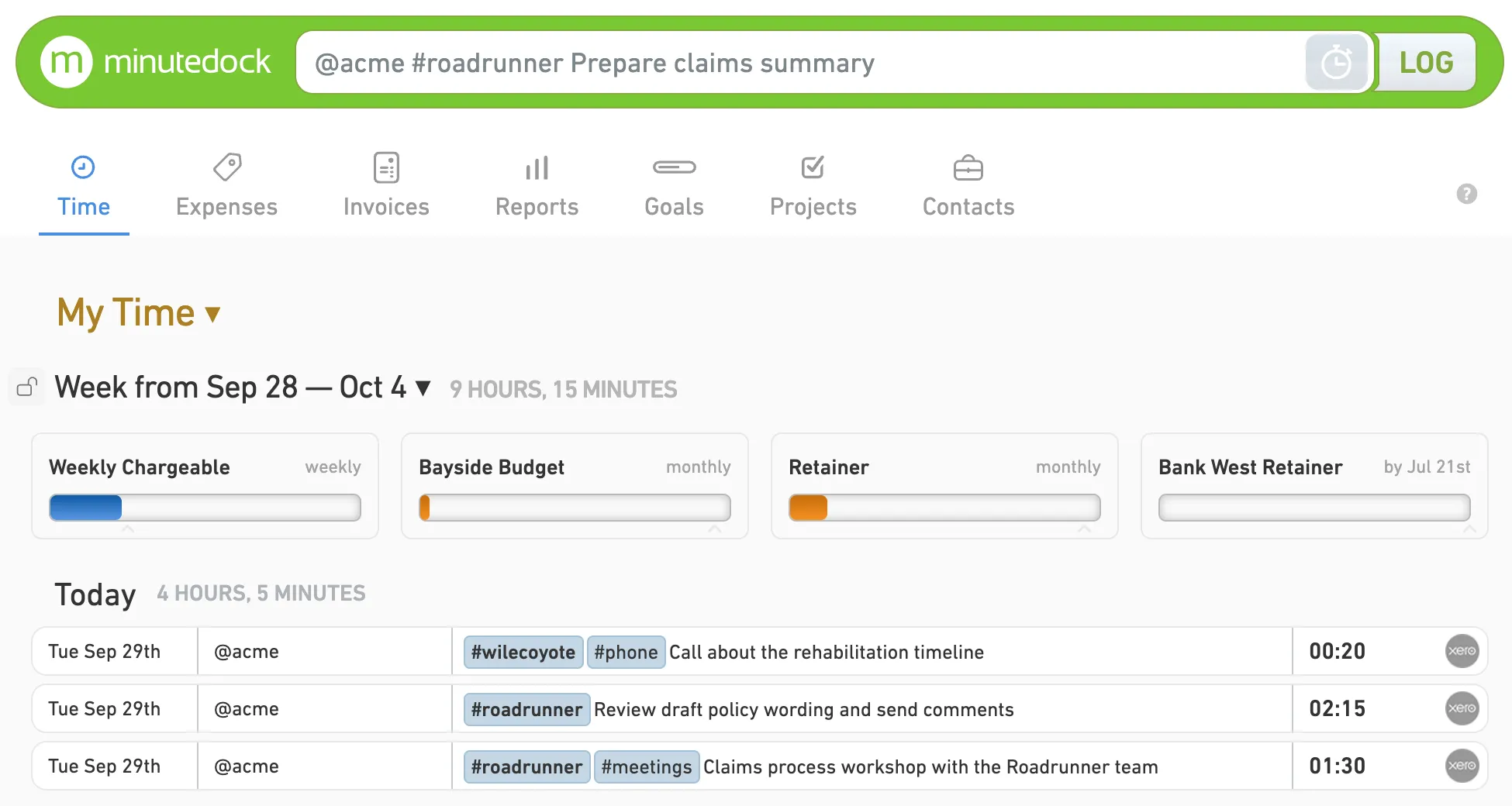
Add the client, project, and a useful note while the work is fresh. MinuteDock keeps those details together for the budget check and the bill that follows.
While you’re working
Keep the details while you still remember them
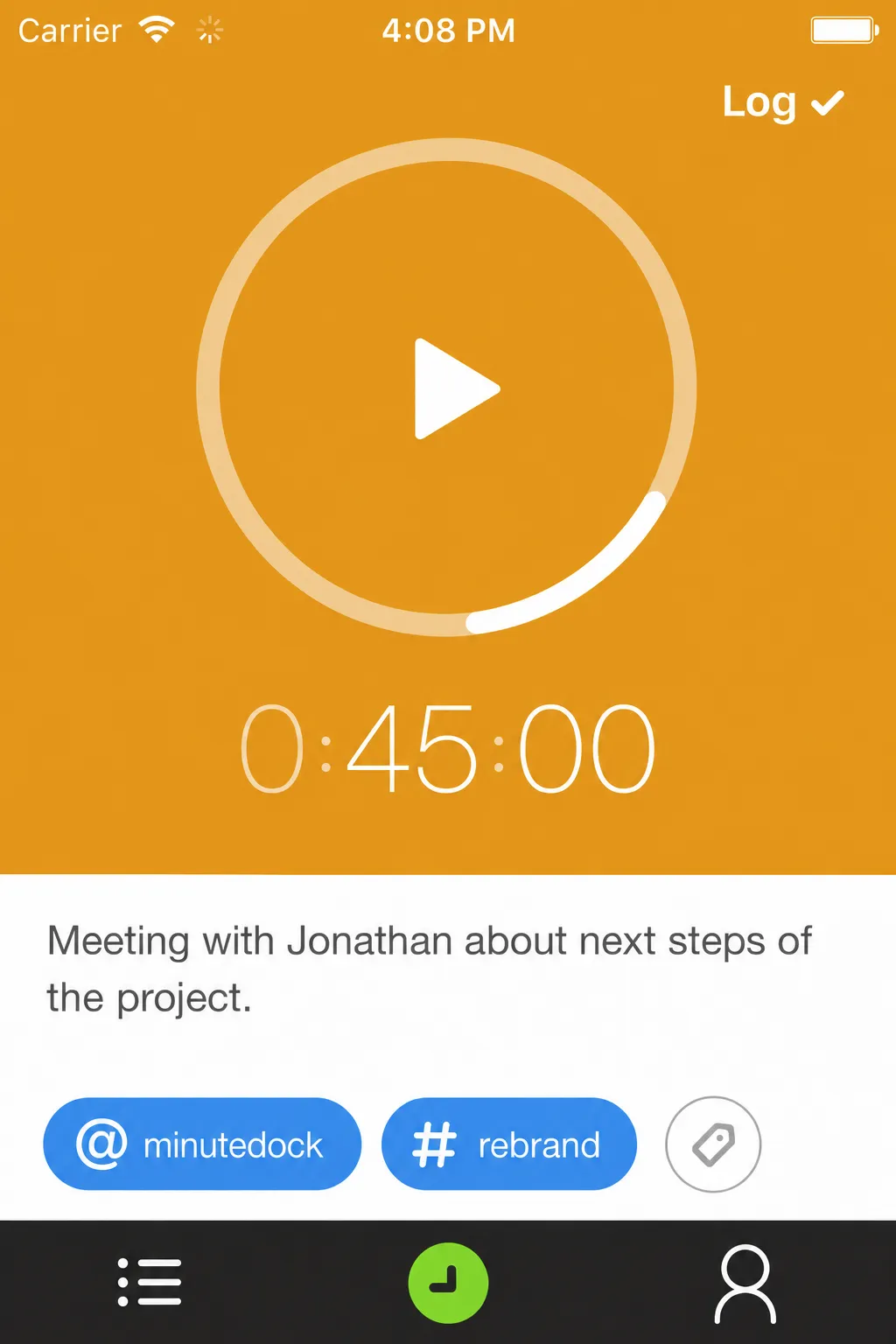
Start a timer and type what you’re working on. When the next client call begins, switch over in a few clicks. You can also add completed time later without picking through a long form.
See how time tracking worksBefore the budget runs out
Catch overruns while you can still act
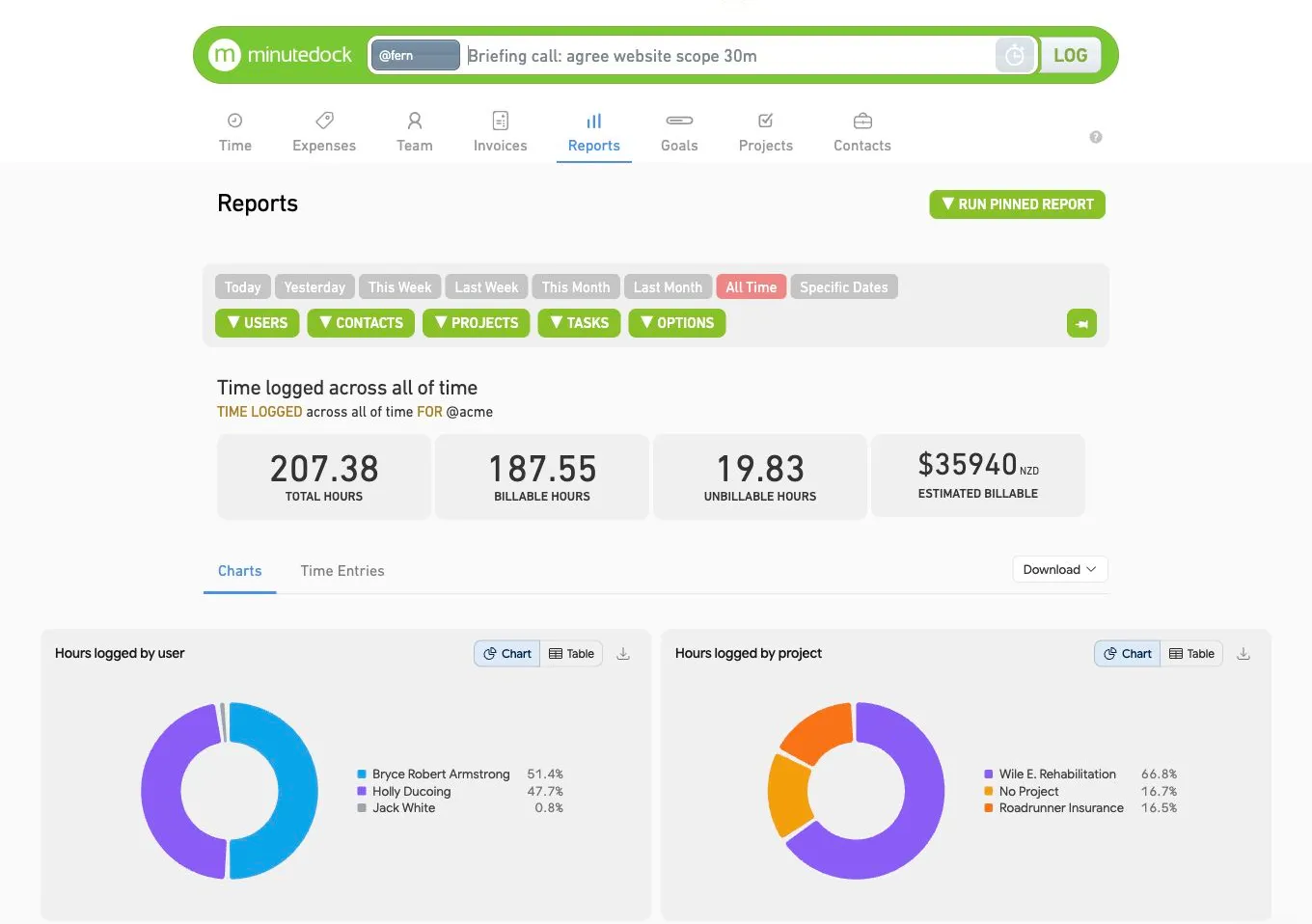
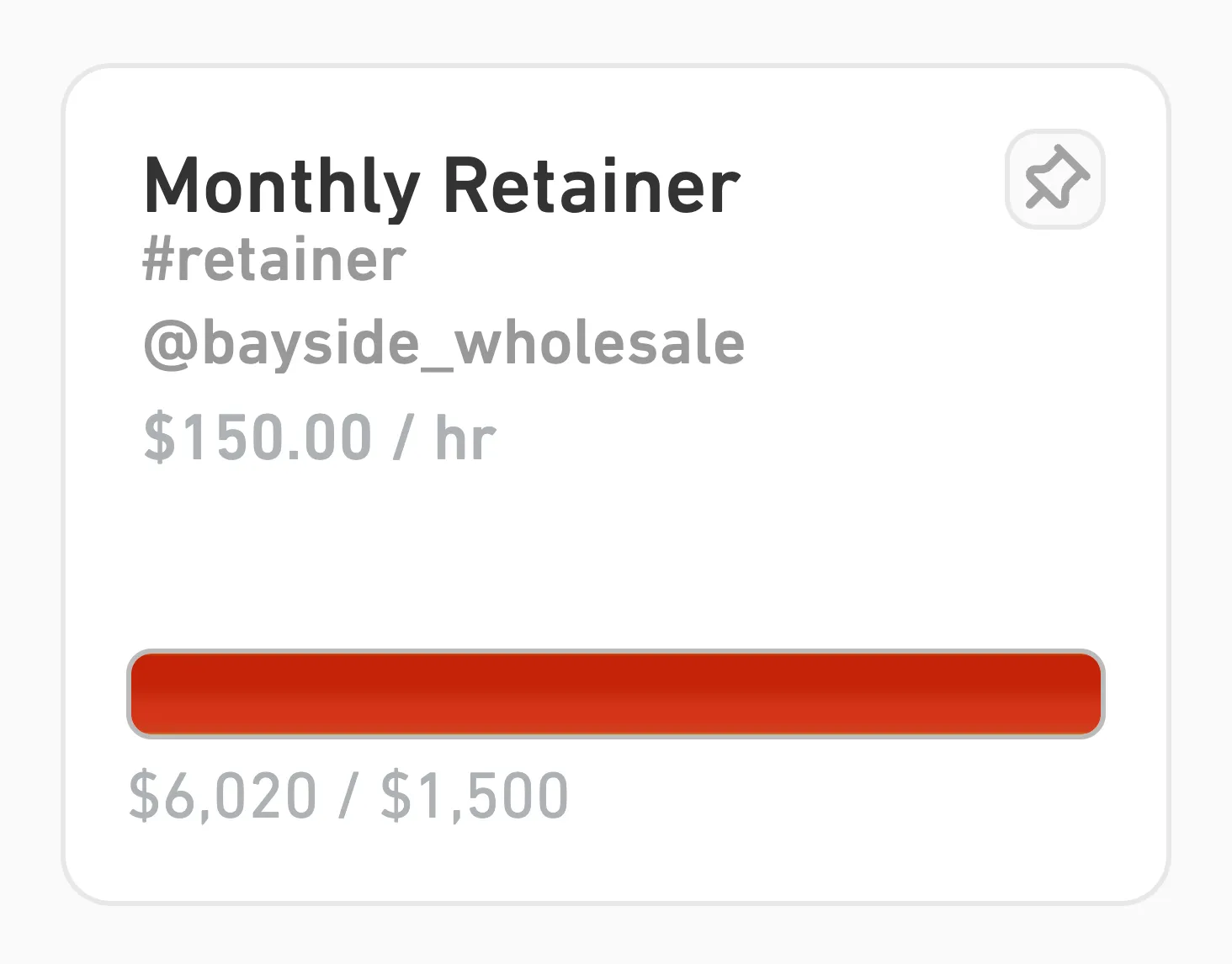
Compare tracked time with the budget or retainer. You’ll see which jobs are taking longer than quoted and how much of the week has gone to work you cannot bill.
When it’s time to invoice
Turn the week’s work into a clear invoice
Review the entries, apply the right rates, and choose how much detail your client needs. The work is already there, so you won’t have to piece the month together from memory and calendar notes.
Explore client billingTry MinuteDock on a real client job
Pick one active project and see how the timer, budget, and billing fit into your day.
For the whole team
Make timesheets less of a chore
Timesheets only help when people fill them in. MinuteDock makes the daily habit quick, so you get useful records without giving everyone another Friday afternoon job.
- Use the timer or add time later
- Track the work as it happens, or enter it after the meeting when that suits you better.
- Add the details once
- Add the client, project, task, and notes once, then use that entry for review, reporting, and billing.
- Keep admin in the right hands
- Owners and managers can control billing rates, goals, permissions, and access.
Beyond hourly billing
Time still matters when you don’t bill by the hour
A fixed fee changes the invoice. The hours still show what the job costs to deliver, helping you protect the margin and quote the next project with better information.
You’re halfway through a quoted project, but the time budget is nearly gone. MinuteDock shows you early enough to review the scope, change who is working on it, or talk to the client before the margin disappears.
The same records help with packages and retainers. You can see which clients regularly need more time than the fee allows, and how much of the week is going to internal or non-billable work.
Why track time on fixed-fee projects?Keep the tools you know
Send tracked time to Xero, QuickBooks, MYOB or Wave
Keep your accounting where it is. MinuteDock connects the client work you track each day with the software you already use for invoicing, so there is less to rebuild at the end of the month.
Time tracking with Wave
See how time and billing work together.
Time tracking with Xero
See how time and billing work together.
Time tracking with QuickBooks
See how time and billing work together.
Time tracking with MYOB
See how time and billing work together.
Built around your work
Choose your line of work
An accountant’s client job looks different from a lawyer’s matter or a consultant’s project. Pick the closest match for examples and advice that use the words you use.
Straightforward plans
Start with one person and add the team when you’re ready
Every MinuteDock plan includes all features, with unlimited clients, projects, invoices, and time tracking. The price changes with the number of people tracking time.
Start with a 14-day free trial, change plans as the team changes, and cancel at any time.
Included with every plan
- Unlimited clients and projects
- Unlimited invoices and time tracking
- 14-day free trial
- Cancel any time
Practical guidance
Make time tracking work in your business
How to choose the right time tracking software
Compare products by what you need to know about the work, not by the length of the feature list.
Time tracking best practices
Build a simple daily habit that keeps time records useful without piling on more admin.
How to track billable hours
Keep enough detail for accurate invoices and clearer client conversations.
Questions before you start
Small-business time tracking questions
Start with what you need to know about the work, then choose software that helps you get there without adding more admin.
- What should a small business look for in time tracking software?
- Start with the work you need to understand. Accountants, consultants, lawyers, and other client-service businesses usually need time grouped by client and project, with enough detail to price and bill the work. Good small-business time tracking software should be quick to use each day and give you useful budgets and reports without adding more admin.
- Can a small business track both billable and non-billable time?
- Track both in MinuteDock. Billable hours show the work that earns client revenue. Non-billable time covers the admin, business development, training, and internal jobs that fill the rest of the week. Together, they show where your team’s time went before you plan the next one.
- Does time tracking still help with fixed-fee projects?
- Those hours show what the project costs to deliver, even when they do not appear on the invoice. Compare them with the project budget, spot scope changes early, and use finished jobs to quote the next one with better information.
- Can MinuteDock turn tracked time into invoices?
- MinuteDock lets you review the work, apply the right billing rates, and choose the detail your client should see. You can then build the invoice in MinuteDock or send the billing through supported accounting software.
- Can a small team use MinuteDock without using it as an employee time clock?
- MinuteDock organises time around client and project work. Your team records what they worked on, who it was for, and any notes you will need later. The same entries feed your budgets, reports, and billing.
- Does MinuteDock work with Xero, QuickBooks, MYOB, or Wave?
- MinuteDock connects with Xero, QuickBooks, MYOB, and Wave. Each integration handles billing a little differently, so visit its page to see how invoices, tax, branding, and reconciliation work with your accounting software.
Spend less time chasing timesheets and building invoices
Start the timer today and invoicing day gets a lot easier.